
Photo & Video Compressor for iPhone & Android
Compress photos and videos by up to 80% without visible quality loss. Find duplicates, clear clutter, and review your library with private, on-device processing.
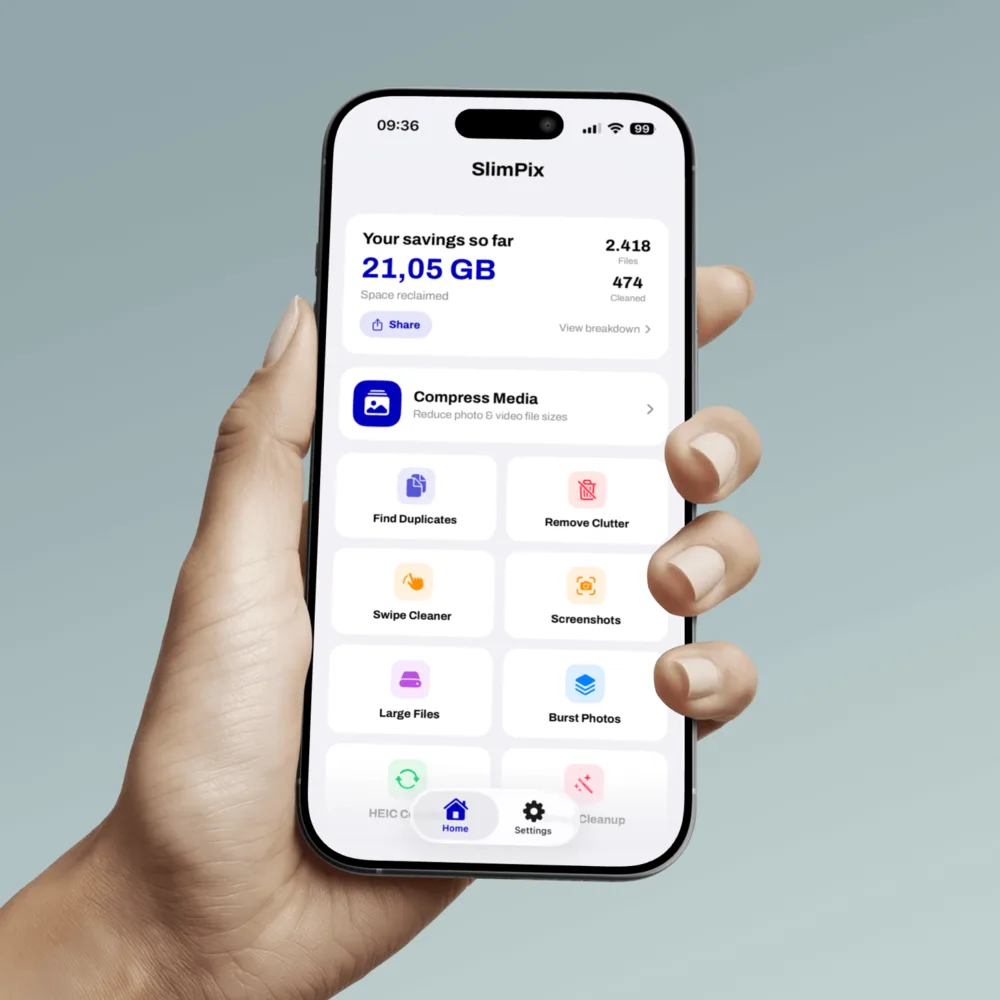
See what SlimPix can clean and compress
Current iPhone screens from the App Store listing, verified 2026-08-26.
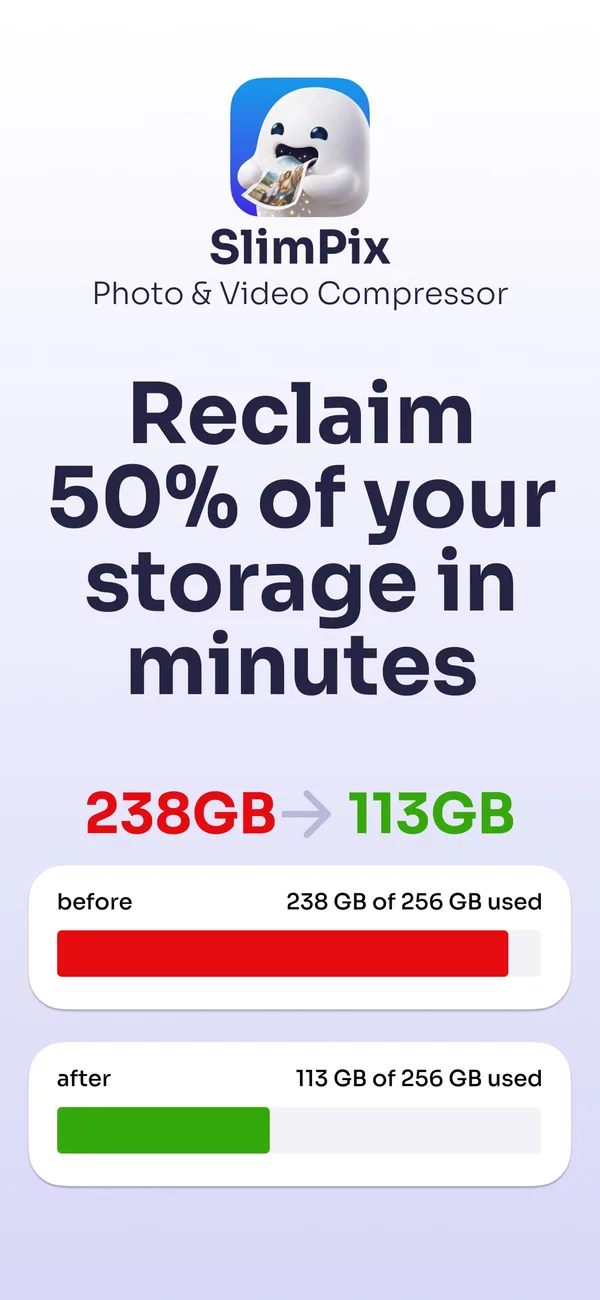
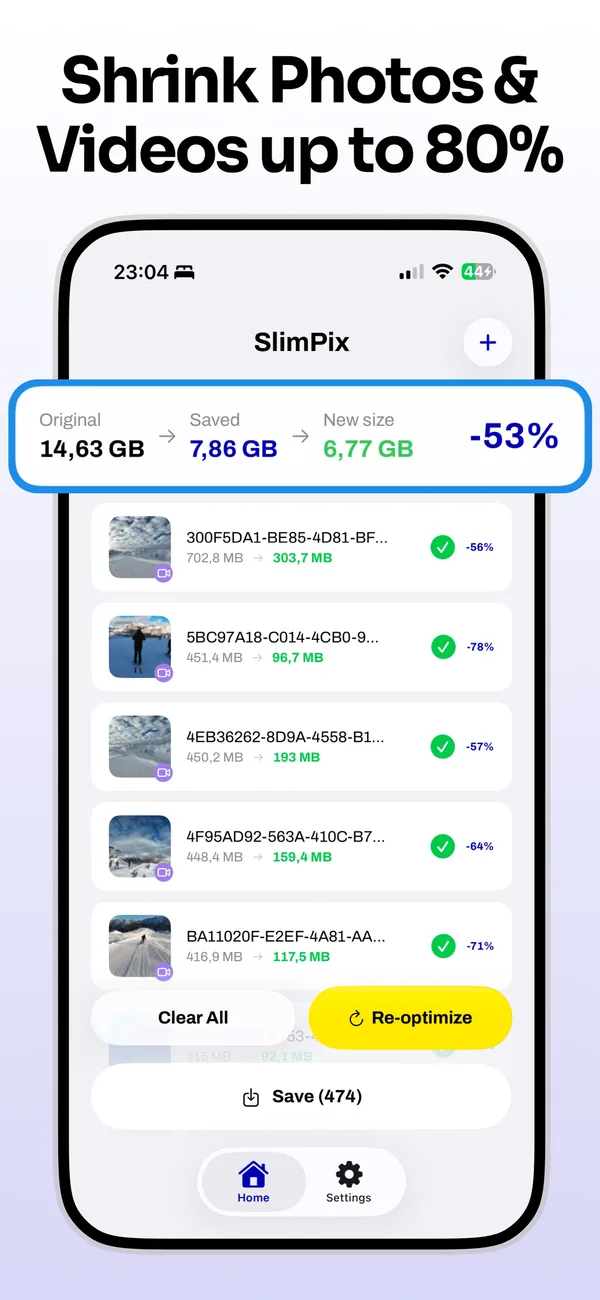
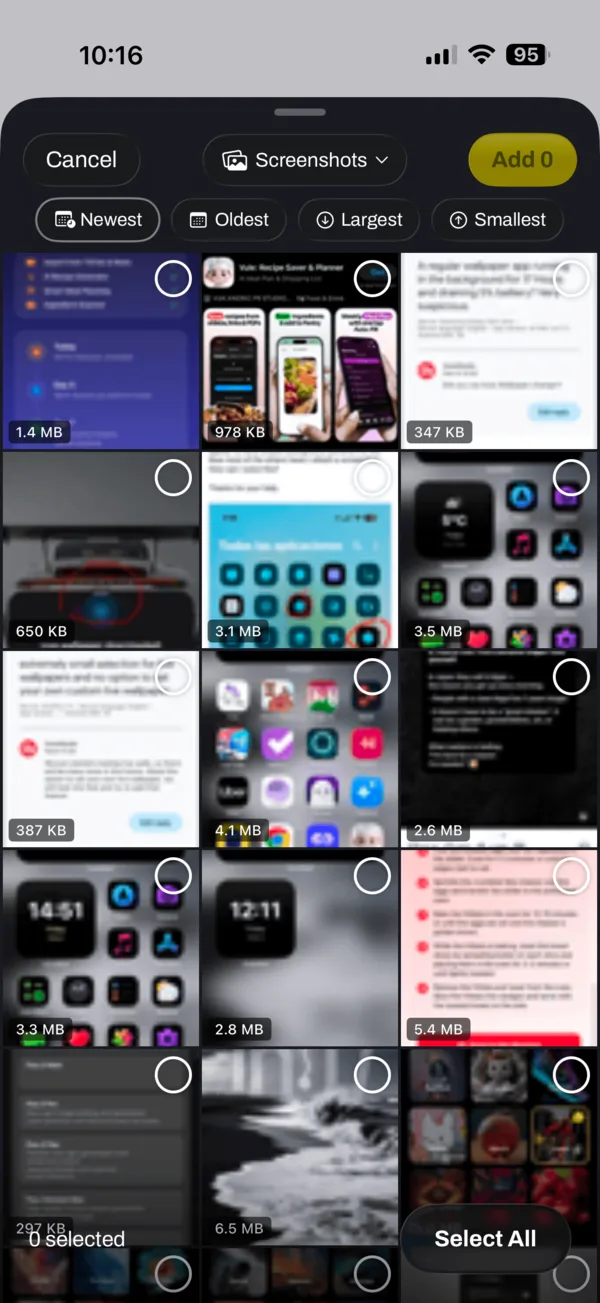
Pick smarter, compress faster
The custom photo picker can hide files SlimPix has already optimized. Choose an album, sort by date or file size, and select a batch before compression starts.
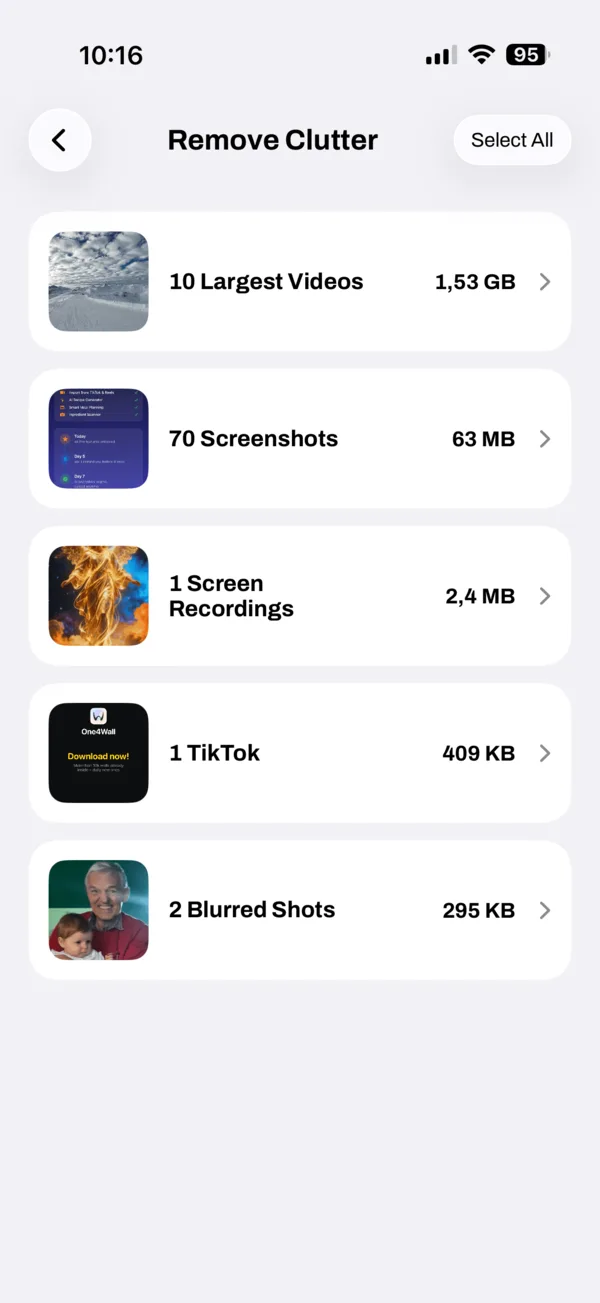
Find the files using your storage
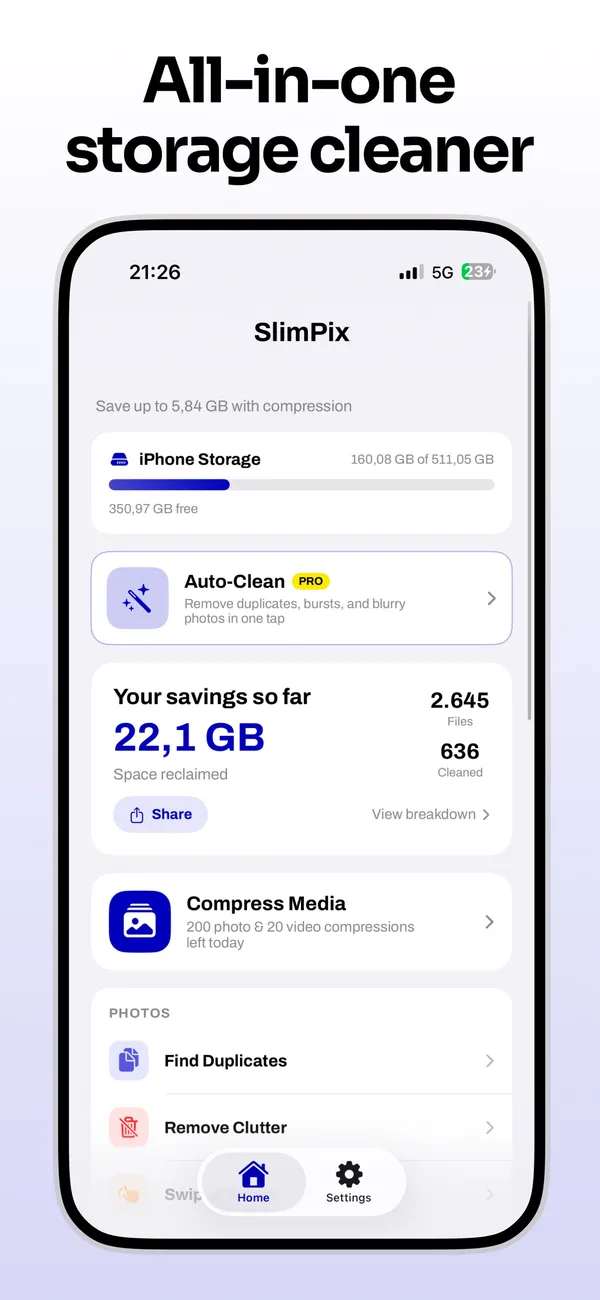
Review large videos, screenshots, screen recordings, bursts, and other library clutter by category. SlimPix shows what is taking space so you decide what to remove.
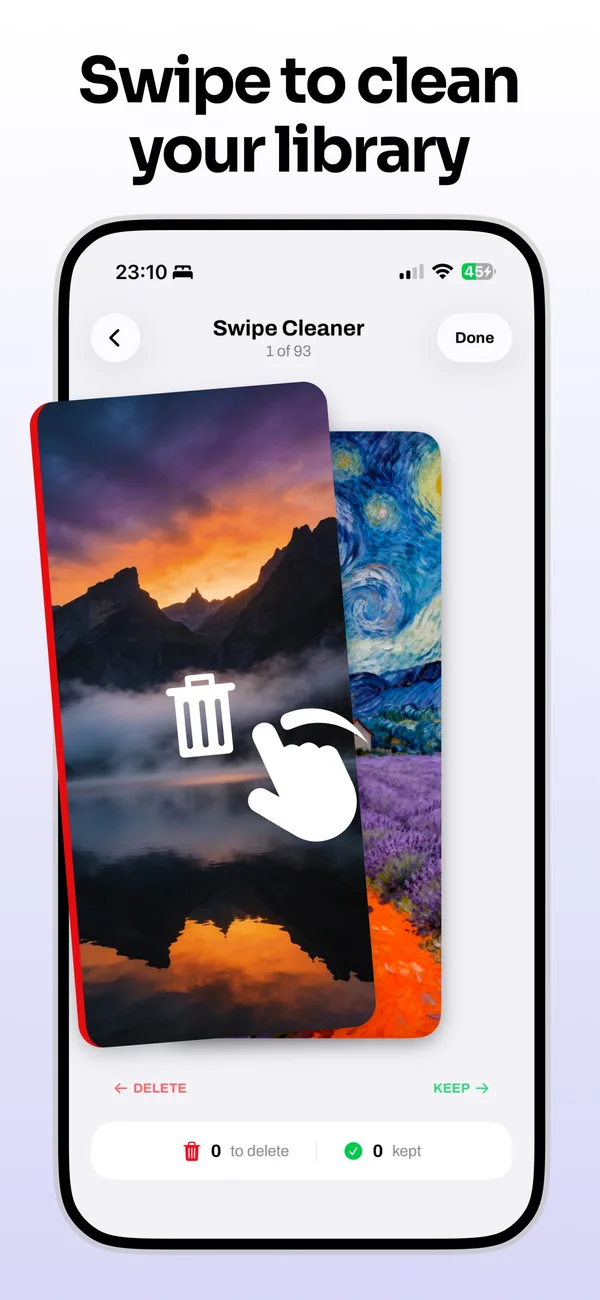
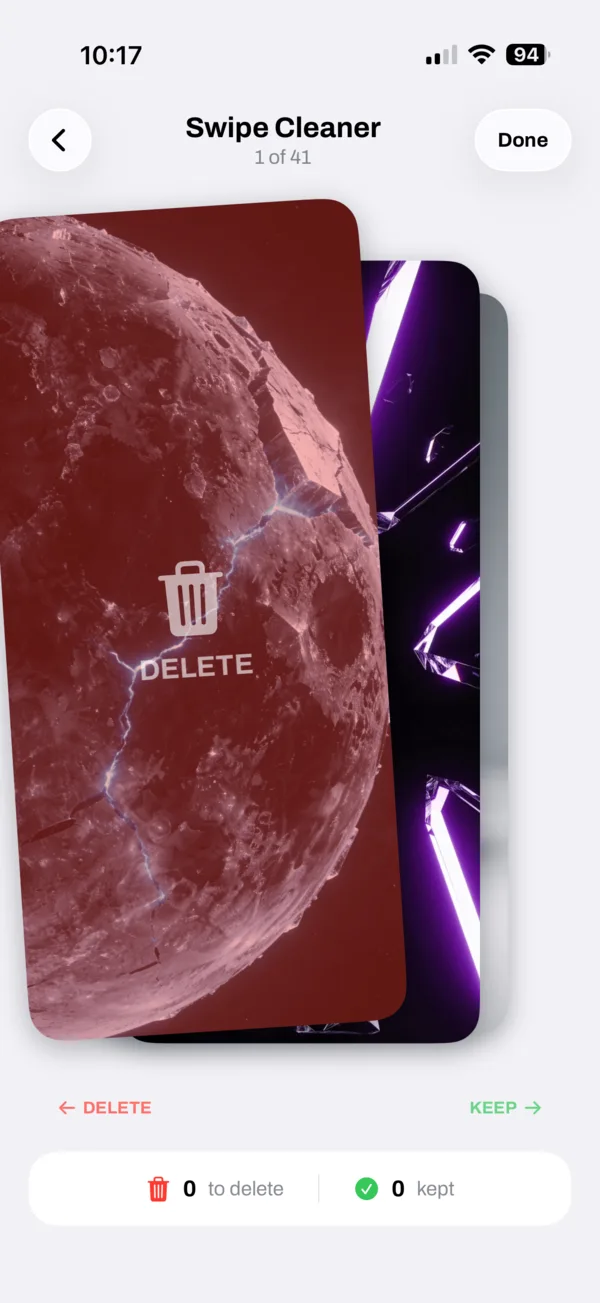
Review one photo at a time
Swipe left to mark a photo for deletion or right to keep it. SlimPix tracks the potential storage saving while you review the queue, and you confirm before anything is removed.
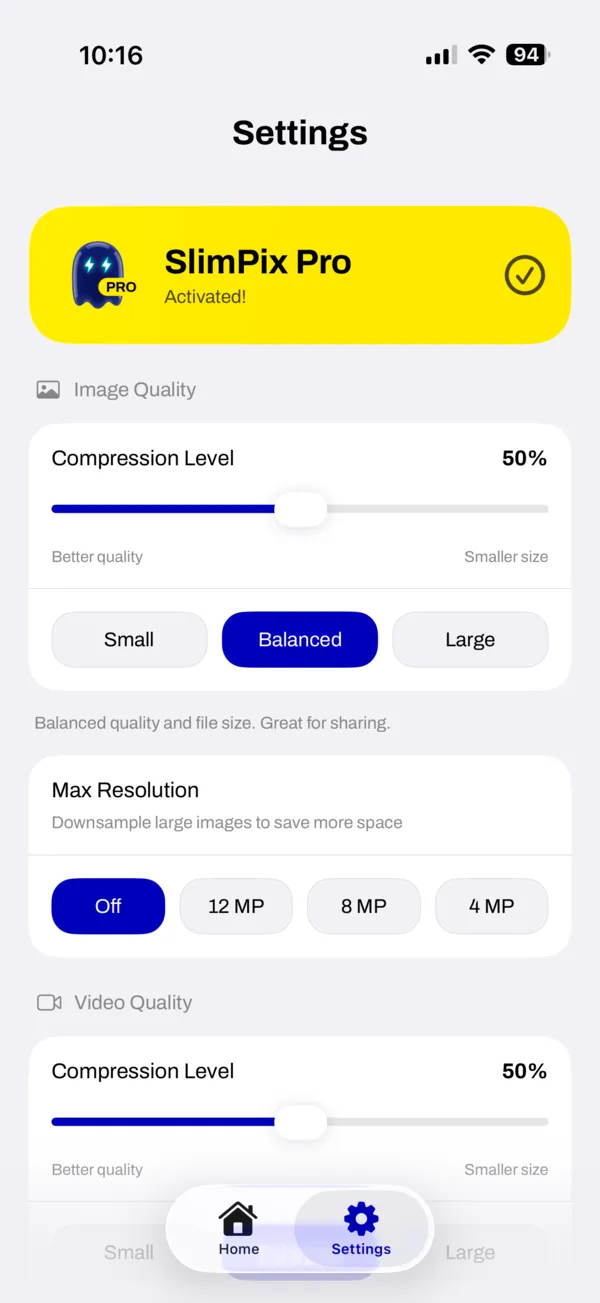
Control quality and file size
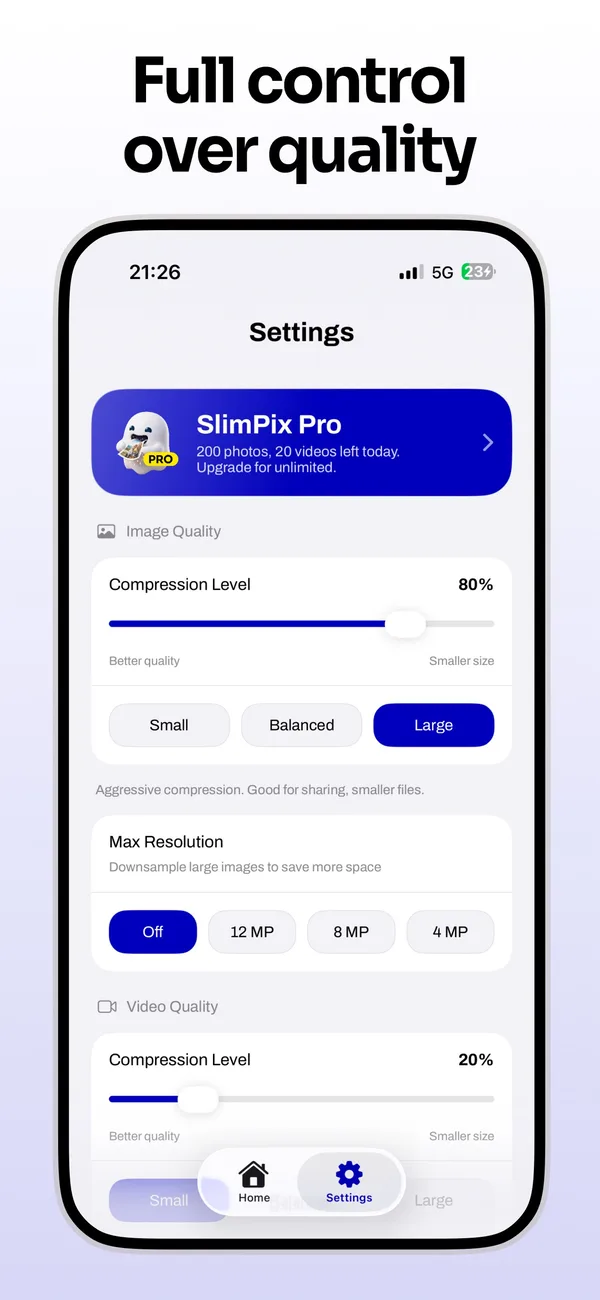
Set separate compression levels for photos and videos, choose Small, Balanced, or Large, and downscale large images. Videos can be converted from 4K to 1080p or from 60fps to 30fps.
Choose what SlimPix keeps
Keep creation dates and color profiles, preserve EXIF and GPS data, or remove metadata from optimized copies. Auto-save and auto-clear support larger batch workflows.

Frequently Asked Questions
Does SlimPix reduce image quality?
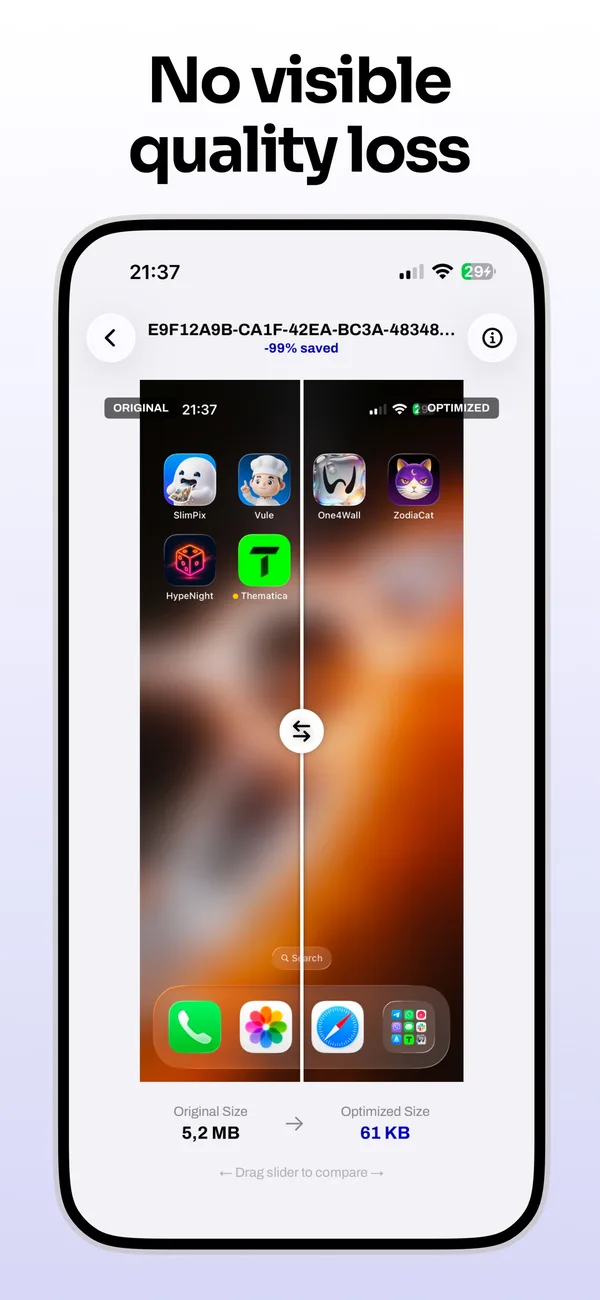
SlimPix uses lossy compression when that is required to make a file smaller, so some data changes. Its presets are designed to reduce file size while keeping the visible difference small, and you can compare the original with the result before saving.
Does SlimPix upload my photos or videos?
No. Compression, duplicate detection, and cleanup analysis run on your device. SlimPix does not upload your photo or video library to a processing server.
What is included in the free version of SlimPix?
Free users can compress up to 200 photos and 20 videos per day, make 100 Swipe Cleaner deletions, and use daily cleanup and conversion allowances. Finding duplicates, screenshots, and large files is unlimited. SlimPix Pro removes the daily limits.
How does SlimPix find files that are using storage?
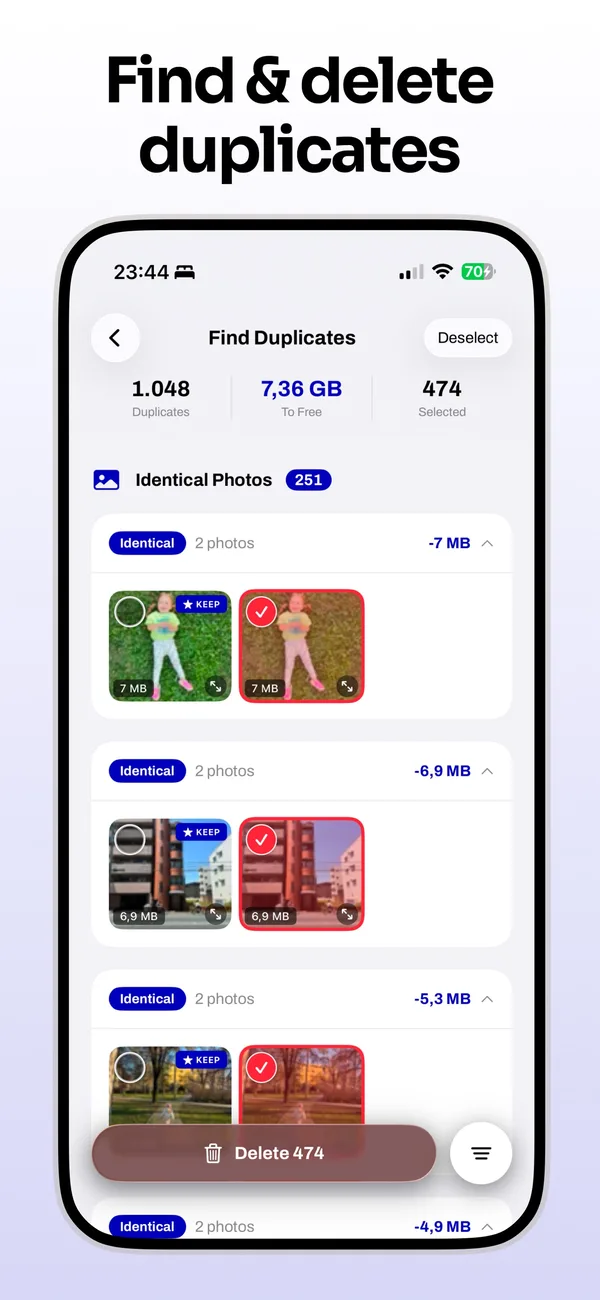
SlimPix groups large videos, screenshots, screen recordings, bursts, and other clutter into reviewable categories. It can also find exact and similar duplicate photos. You choose what to delete.
Is SlimPix available on Android?
Yes. SlimPix is available from Google Play as well as the App Store. Both versions include photo and video compression, duplicate and similar-photo tools, cleanup categories, Swipe Cleaner, and format conversion.
Can SlimPix compress 4K iPhone videos?
Yes. SlimPix can compress videos with HEVC or H.264 and optionally downscale 4K video to 1080p. It can also reduce 60fps video to 30fps when you want a smaller file.
Which photo and video formats does SlimPix support?
SlimPix works with HEIC, JPEG, PNG, and WebP photos plus common MOV and MP4 videos. Output and codec options depend on the platform and the selected media.
Can SlimPix remove photo location and EXIF data?
Yes. Metadata removal is optional. You can preserve creation dates, color profiles, EXIF, and GPS information or strip metadata from optimized copies in the privacy settings.
Free up space on your phone
Download SlimPix and start compressing photos and videos on iPhone, iPad, or Android.


