420+ Aesthetic Widgets for Android
Choose from 420+ customizable clock, weather, calendar, battery, music, photo, health and utility widgets. Match Material You colors or build your own style without KWGT.
One4Widgets at a glance
- Works on
- Android
- Pricing
- Free widgets with optional one-time Pro purchase
- Developer
- One4Studio
Store information checked .
Browse widgets before you add them
Android home screen designs and catalog screens verified 2026-10-12.
What One4Widgets does
One widget app instead of ten — every category you actually use, styled to match the rest of your home screen.
420+ widgets, one app
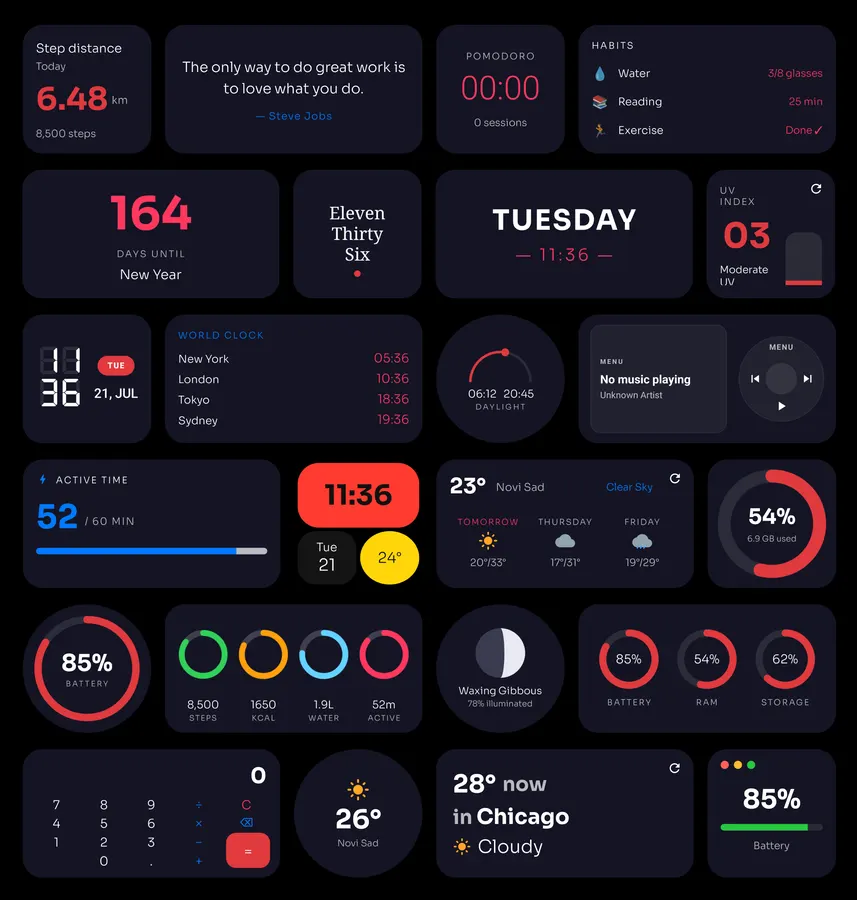
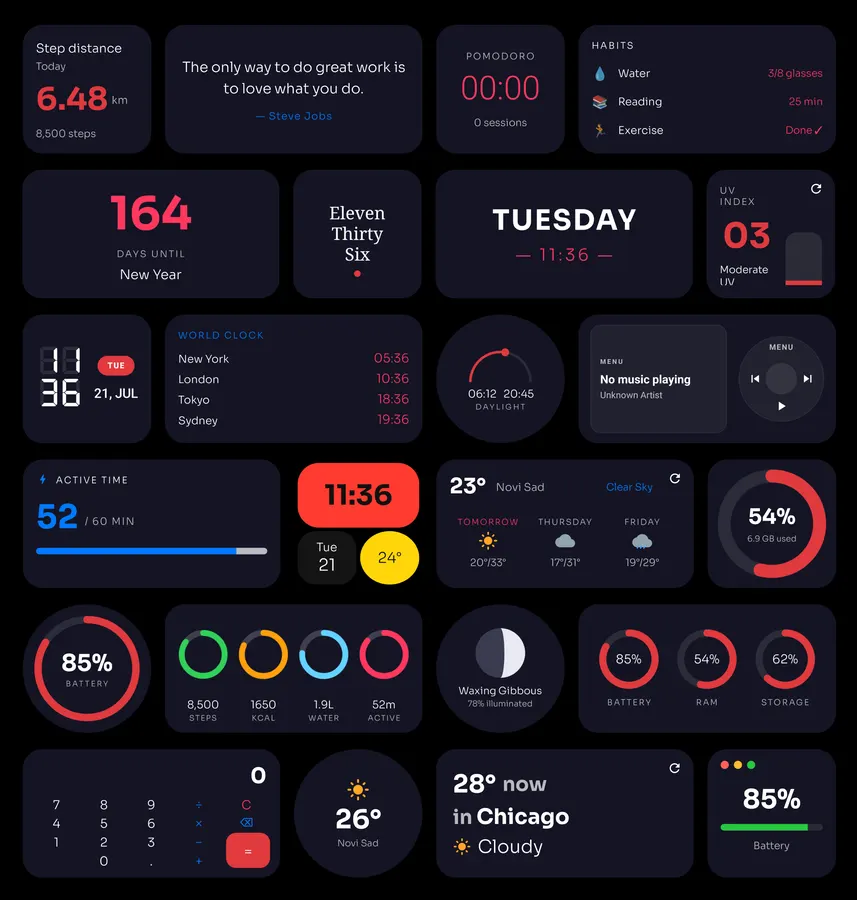
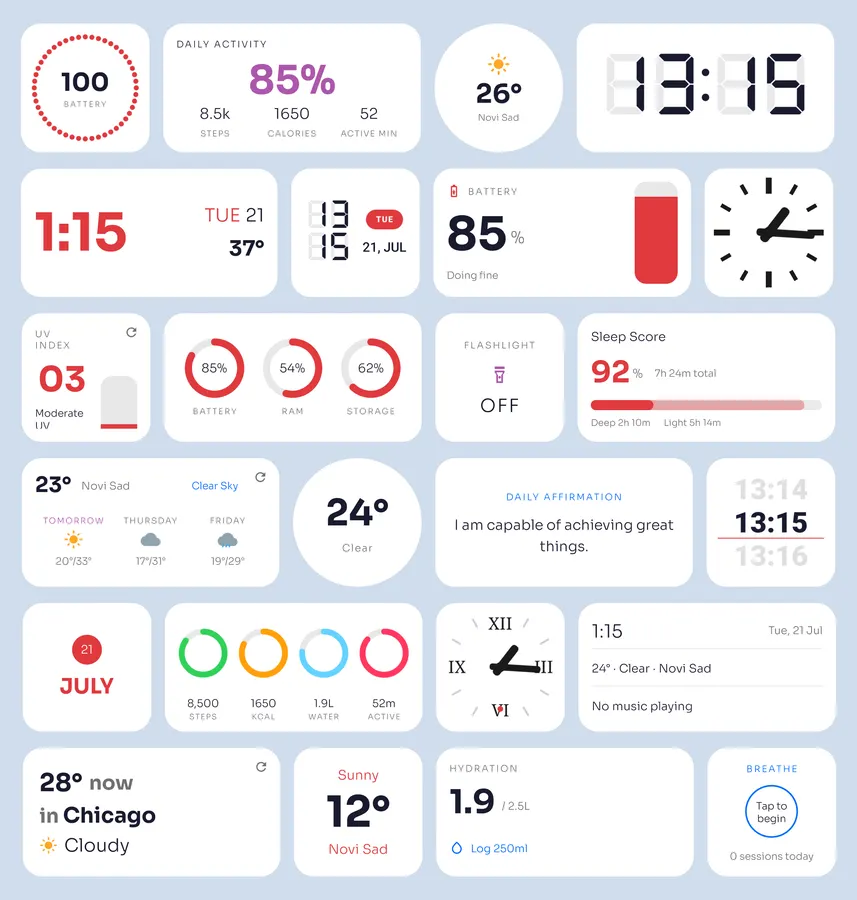
Digital, analog, LCD, flip, nixie and world clocks. Weather, calendar, countdown, battery, health, music, stocks, notes and dozens of tools, all in a single lightweight download.
Material You, or your own palette
Widgets adapt to your wallpaper colors automatically, or set a custom accent with hex input and saved palettes. Gradient and frosted-glass backgrounds included.
Restyle after you place it
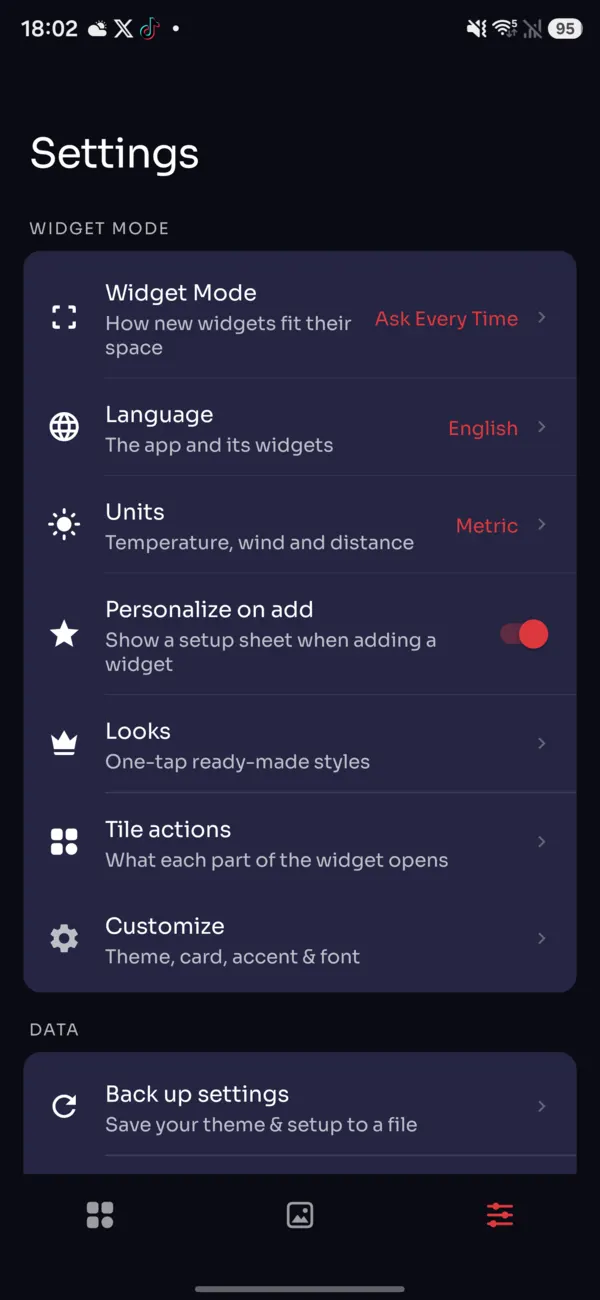
Change the font, corner radius, colors or layout of a widget already on your home screen — no removing and re-adding it.
Every widget size
2x1, 2x2, 4x1, 4x2 and big 4x4 widgets, resizable to fit your layout. Works beautifully with Nova Launcher, Lawnchair and most Android launchers.
Eleven languages
English, German, Spanish, Portuguese, French, Italian, Japanese, Korean, Russian, Turkish and Indonesian — picked in the app, applied to every widget. Celsius or Fahrenheit switches the whole catalogue at once.
No ads, no trackers, no sign-up
Your data stays on your device. One4Widgets only reads what a widget needs to draw itself, right on your phone.
Frequently Asked Questions
Is One4Widgets free?
Yes. You can start with dozens of free widgets. One4Widgets Pro unlocks the full catalog and customization options with a one-time purchase rather than a subscription.
Does One4Widgets require KWGT?
No. One4Widgets uses native Android app widgets, so there is no KWGT app or separate widget engine to install. Pick a widget in the catalog and add it to your home screen.
Which Android launchers work with One4Widgets?
One4Widgets works with launchers that support standard Android widgets, including the stock Pixel and Samsung launchers. It also works with popular third-party options such as Nova Launcher, Lawnchair, Niagara Launcher and Smart Launcher.
Can widgets match my Android wallpaper colors?
Yes. On Android 12 and later, widgets can follow the Material You palette generated from your wallpaper. You can override it with a custom accent color, gradient, glass background or saved style.
What types of widgets are included?
The catalog includes 420+ clocks, weather forecasts, calendars, agendas, countdowns, battery panels, activity widgets, music controls, photo frames, notes and system tools.
Can I customize a widget after adding it?
Yes. Open the widget editor to change its colors, font, corner radius, background and other supported options. You do not need to remove the widget and start again just to change its appearance.
Does One4Widgets contain ads or trackers?
The current Google Play description states that the app has no ads, no third-party trackers and no account requirement. Widget data is processed on the Android device for the widget that needs it.
How do I add a One4Widgets widget to Android?
Open One4Widgets, choose a design and tap Add to Home Screen. You can also touch and hold an empty area of the Android home screen, open the Widgets menu, find One4Widgets and drag a widget into place.
Support
Questions, a widget request or feedback? We’re a small studio and we read every message. See our Privacy Policy and Terms of Service. Looking for more home screen tools? Browse our personalization apps.