
Depth on your Home screen
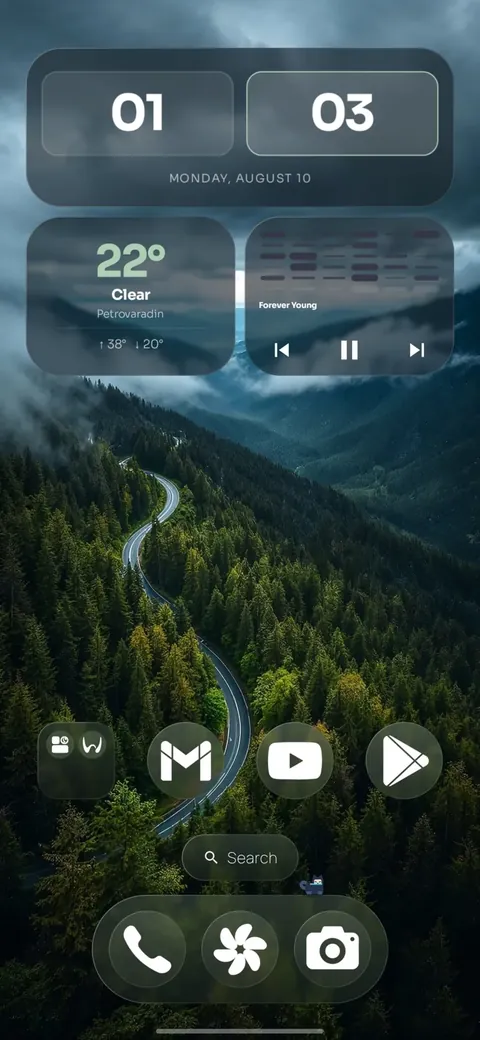
Place a prepared wallpaper subject in front of Home content. Choose a marked Depth wallpaper or supply a base image and cut-out. The crop and subject layer determine the effect; not every image is suitable.
 One4HomeGet the app
An Android launcher for custom layouts, icon packs, widgets and themes, with depth wallpaper compositions using a prepared subject layer. No ads or account required.





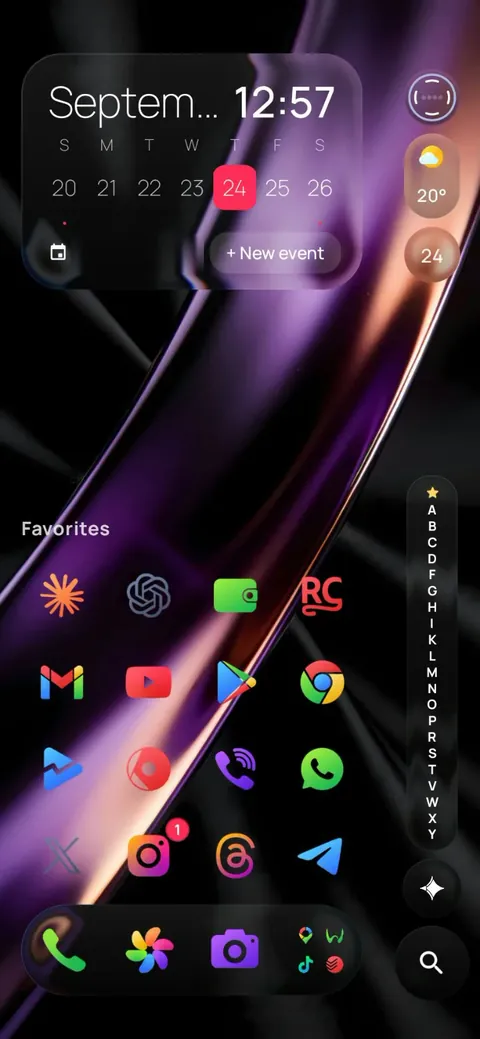
Now showing Amethyst Silk
Studio · Themes
Pick a curated theme in Studio, One4Home's built-in visual editor, and your whole home screen changes at once — or only the parts you choose.
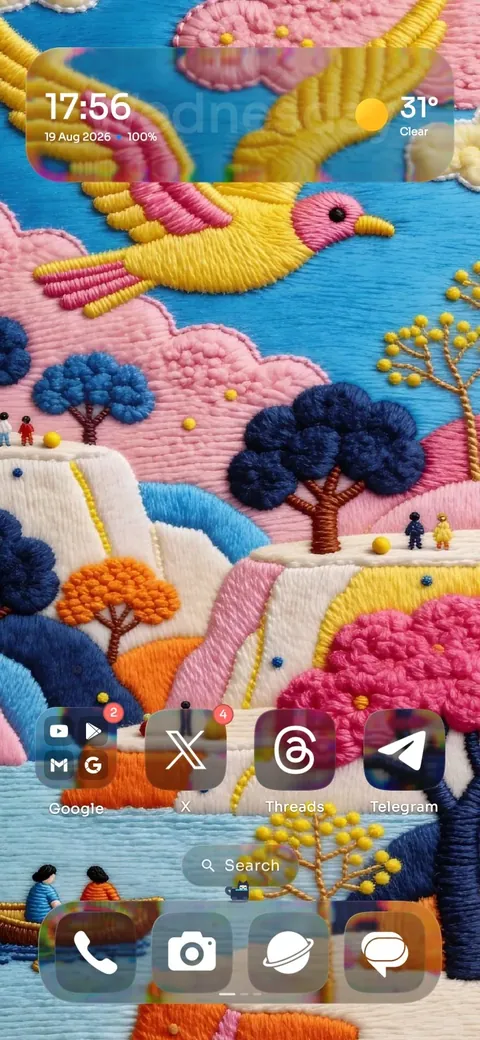
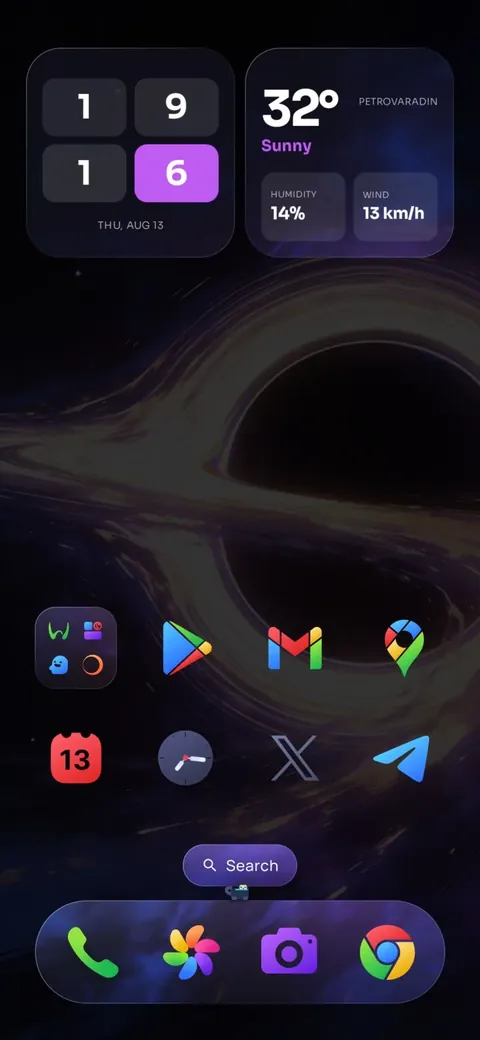
Icons · Shape
Use your icon pack exactly as drawn, or give every icon the same outline: circle, squircle, rounded square, Material shapes — or your own corner radius.
Squircle
Home · Layouts
Regular grids up to 12 columns and 18 rows, free half-cell placement, and Freeform with fine positioning and overlap in Pro. Foldables keep separate layouts for the cover and inner screens, and any screen can have its own landscape layout.
Materials · Glass
The Dock, widgets and even icon shapes can be made of liquid glass that refracts the wallpaper behind them. Tune refraction, depth, dispersion and blur, switch to frosted acrylic, or keep them solid.
Move your cursor over the glassTap the pattern to move the glass
Curated themes
Every new curated theme ships inside the app. Apply one whole, or take just its icons, widgets, glass or wallpaper and keep the rest of your setup.
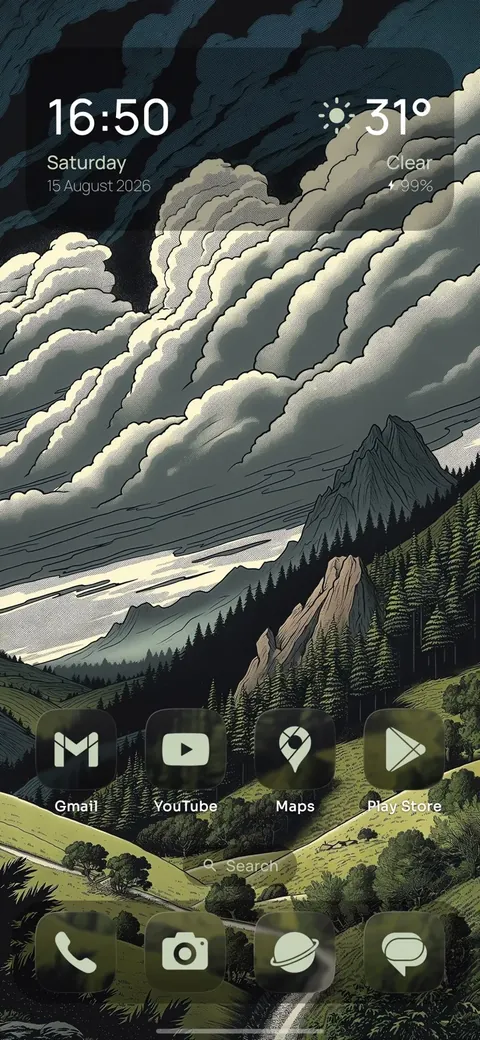
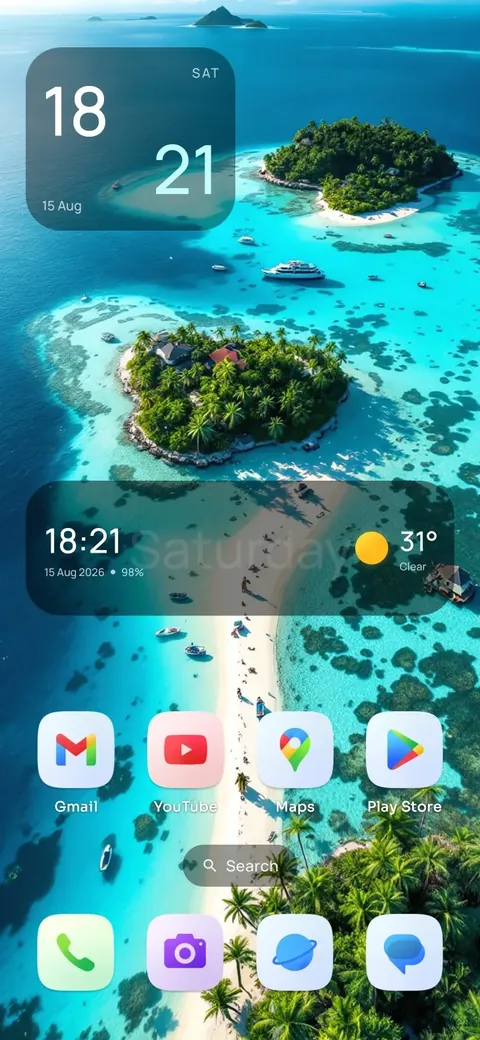
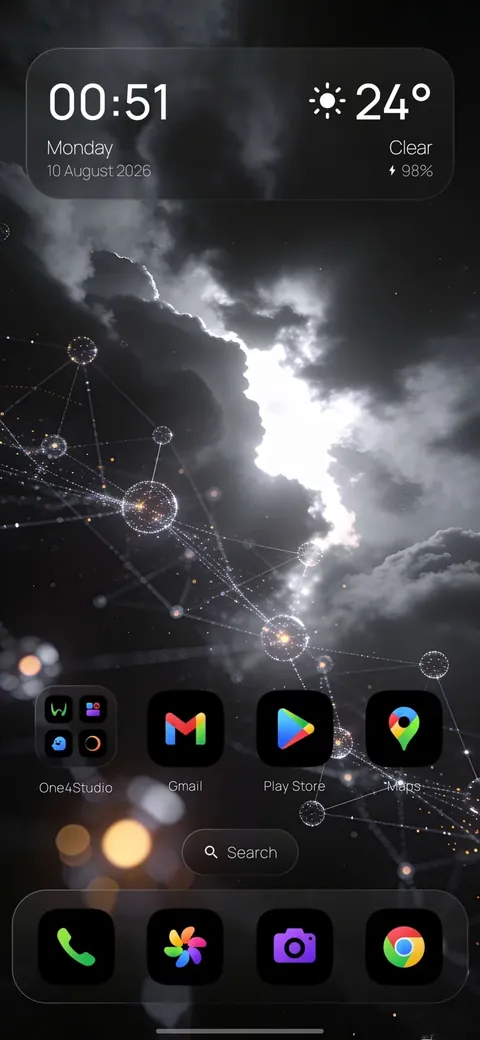
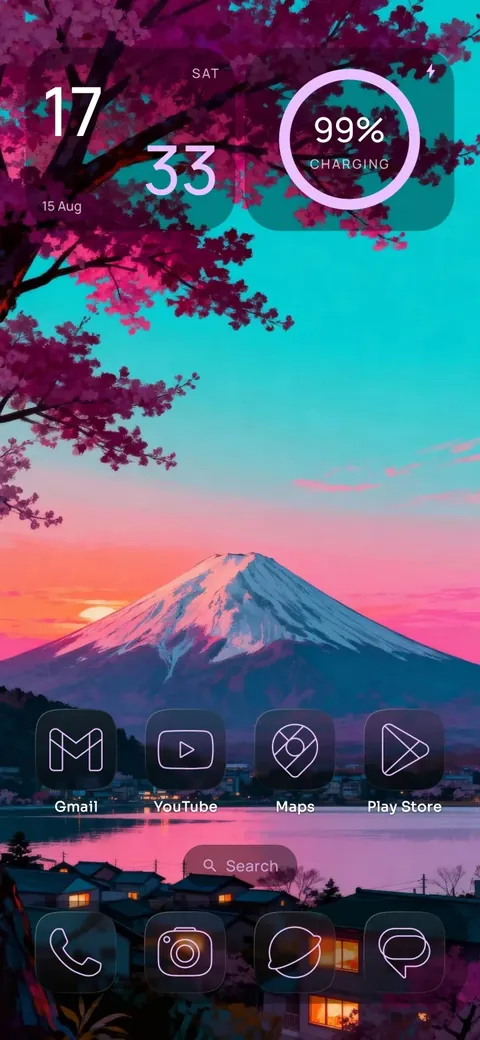
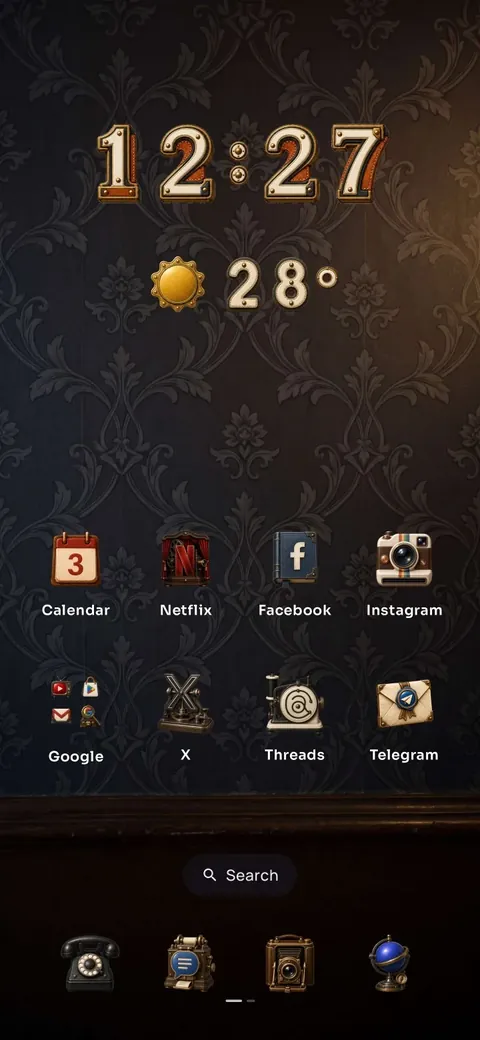
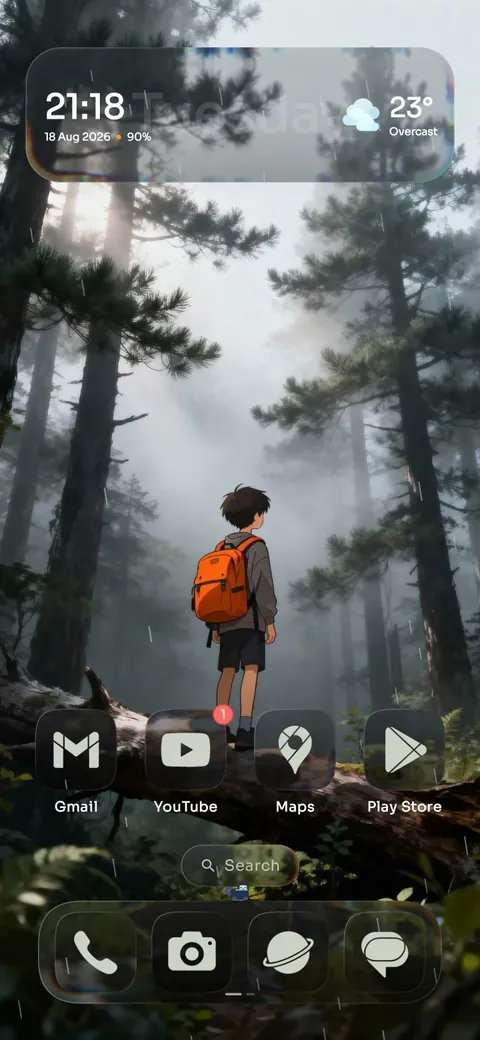
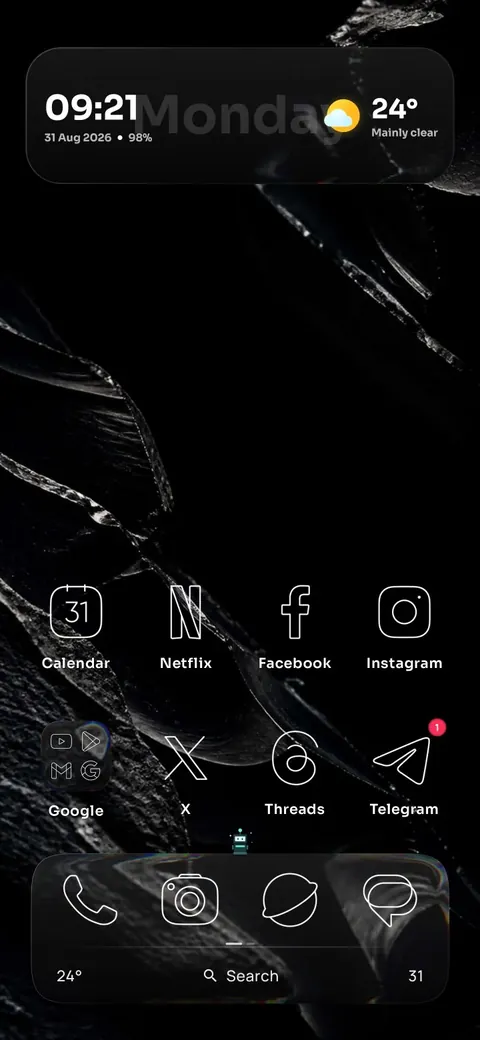
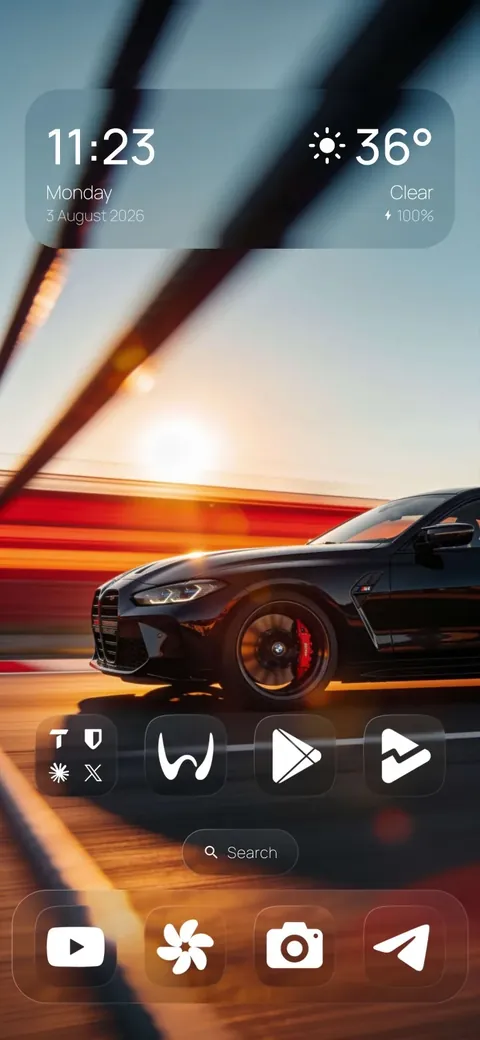
Facing you Amethyst Silk
Everything in one launcher
Place a prepared wallpaper subject in front of Home content. Choose a marked Depth wallpaper or supply a base image and cut-out. The crop and subject layer determine the effect; not every image is suitable.
Start with a curated setup, apply only the parts you want, or save your own theme for later. Your layout, icons, widgets and wallpaper stay under your control.
Build flexible Home, dock and app-drawer grids with separate portrait and landscape layouts for phones, foldables and tablets.
Apply installed icon packs in one tap, pick a custom PNG, WebP or JPEG for any app, and tune icon size, labels, folders and corners.
Find apps and jump straight to launcher settings from one search box. Optional Smart Search can also match contacts locally on your device.
Use your favorite Android widgets alongside built-in clock, weather, battery and calendar widgets, with widget stacks and two independent Home spaces.
Back up and restore your setup, import a compatible Nova Launcher backup, and keep separate layouts ready for the devices and orientations you use.
At a glance
Core product facts, checked against the public Google Play listing and the Help Center. See the linked guides for requirements and compatibility limits.
Product facts last verified on against the Google Play listing.
Guides
Yes. One4Home's Depth feature uses a prepared subject layer in front of Home content. Choose a marked Depth wallpaper or use a base image and prepared cut-out. The subject must overlap the widget area for the effect to be visible; results depend on the image, crop and layer.
One4Home is an Android launcher that controls your Home layout, icons and widgets. One4Wall is a separate wallpaper and editing app for Android and iPhone. Downloading a wallpaper does not, by itself, give another launcher One4Home's depth or layout features.
Yes. Home, the app drawer, folders, widgets, icon packs, search and core customization are included in the free launcher. One4Home Pro adds advanced gestures, Spaces, expanded theme controls, daily wallpaper automation and every new curated theme.
Yes. One4Home is a full Android home-screen launcher. Android lets you choose it as your default Home app, and you can switch back to another launcher at any time in system settings.
Yes. One4Home supports installed Android icon packs and standard third-party widgets. You can also use One4Home's built-in widgets or assign a custom image to an individual app icon.
One4Home can import a compatible Nova Launcher backup. You can also create One4Home backups and exports for layouts and themes you want to keep or move.
No. One4Home contains no advertising and requires no account. Most launcher data stays on your device; optional online features and their limited processing are explained in the Privacy Policy.
One4Home supports Android 10 and newer, including phones, foldables and tablets with separate portrait and landscape layouts.
One4Home is free on Google Play. No ads, no account — just your home screen, your way.
Get it on Google PlayQuestions or feedback? Write to us — we read every message.