How to auto-fill your weekly meal plan with AI in Vule
Vule's Smart Autofill uses AI to generate a full week of meals based on your calorie targets and macro goals. Plan your entire week in seconds.
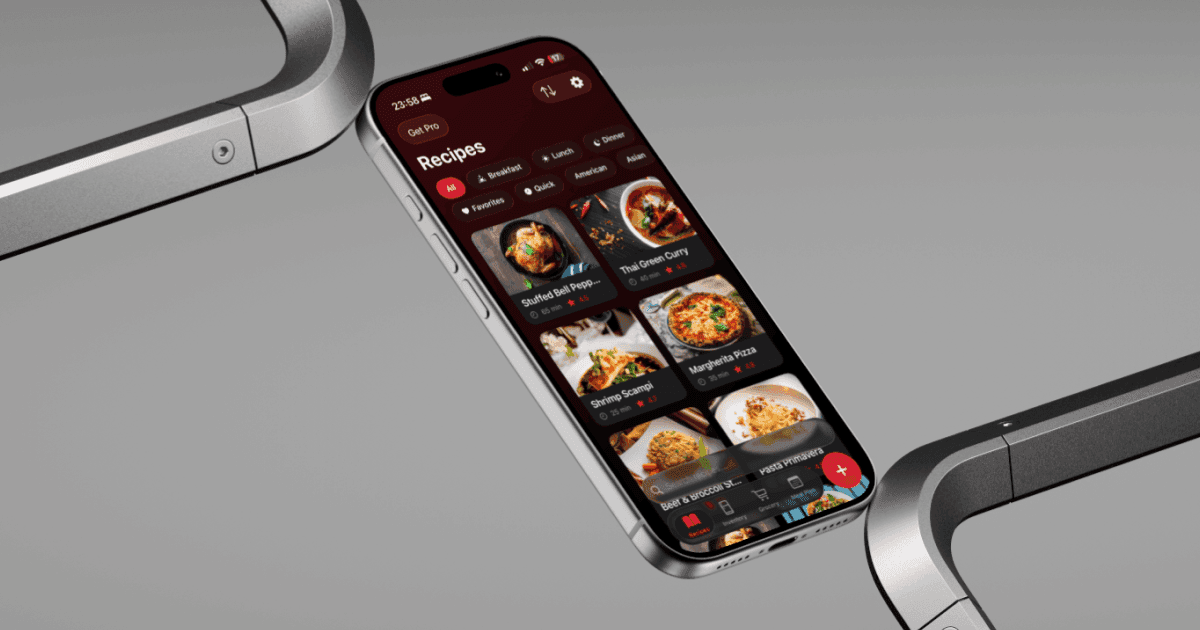
Planning meals for the week is one of those tasks that sounds simple but takes forever. Deciding what to eat, making sure it fits your goals, and keeping variety — it adds up. Vule solves this with Smart Autofill: one tap and AI fills your entire week with balanced meals.
Smart Autofill looks at your saved recipes, your daily calorie target, and your macro nutrient goals (protein, carbs, fat). It then generates a complete 7-day meal plan — breakfast, lunch, dinner, and snacks — that hits your targets as closely as possible.
Here's how to use it:
- Go to the Meal Plan tab in Vule.
- Make sure you have your calorie and macro goals set in Meal Plan Settings.
- Tap the 'Auto Fill Week' button at the top of the weekly view.
- Vule generates meals for every slot in the week using your saved recipes.
- Review the plan — you can swap any individual meal by tapping on it.
- Each day shows a calorie and macro summary so you can see how close you are to your goals.
The more recipes you save in Vule, the better the autofill results. The AI picks from your personal collection, so every meal plan feels tailored to your taste rather than generic suggestions.
Tip: Set your calorie and macro targets in Settings before using Autofill. Vule uses these to balance meals across the entire week — not just per meal.