How to compress photos and videos on iPhone with SlimPix
Free up iPhone storage by compressing photos and 4K videos with SlimPix. Compare results, keep metadata, and process files on-device.
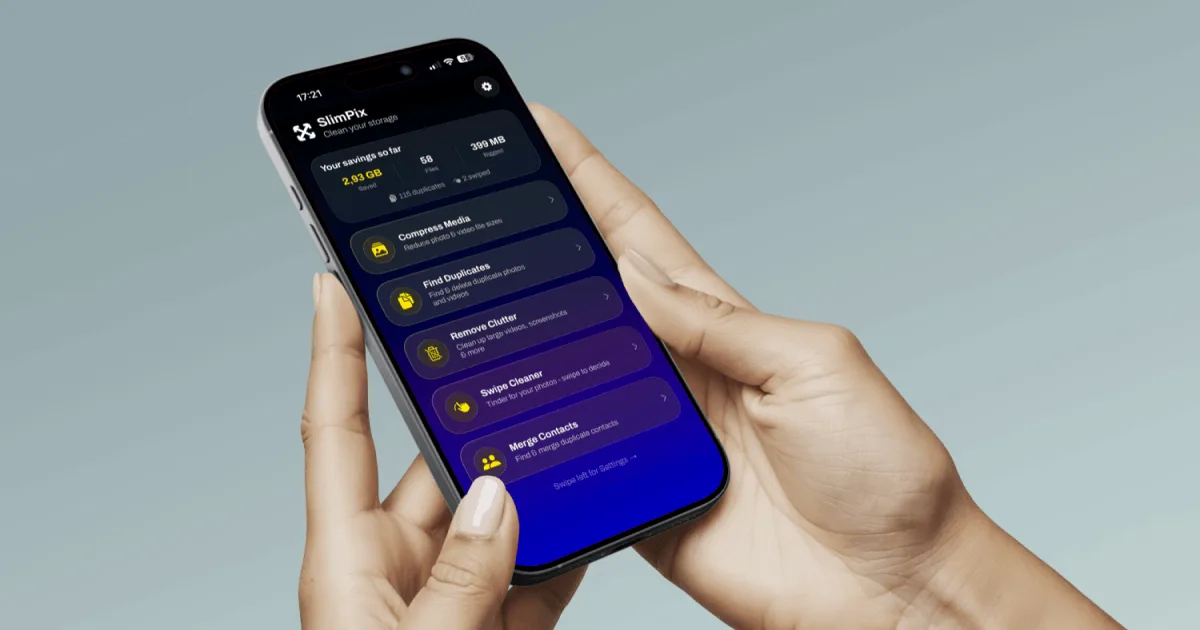
To reduce photo and video file sizes on an iPhone without deleting your library, select the largest files in SlimPix, choose a compression preset, review the estimated result, and save the optimized copies. SlimPix processes the media on your device and can reduce many files by up to 80%, depending on the source format and the settings you choose.
Start with the files that use the most storage
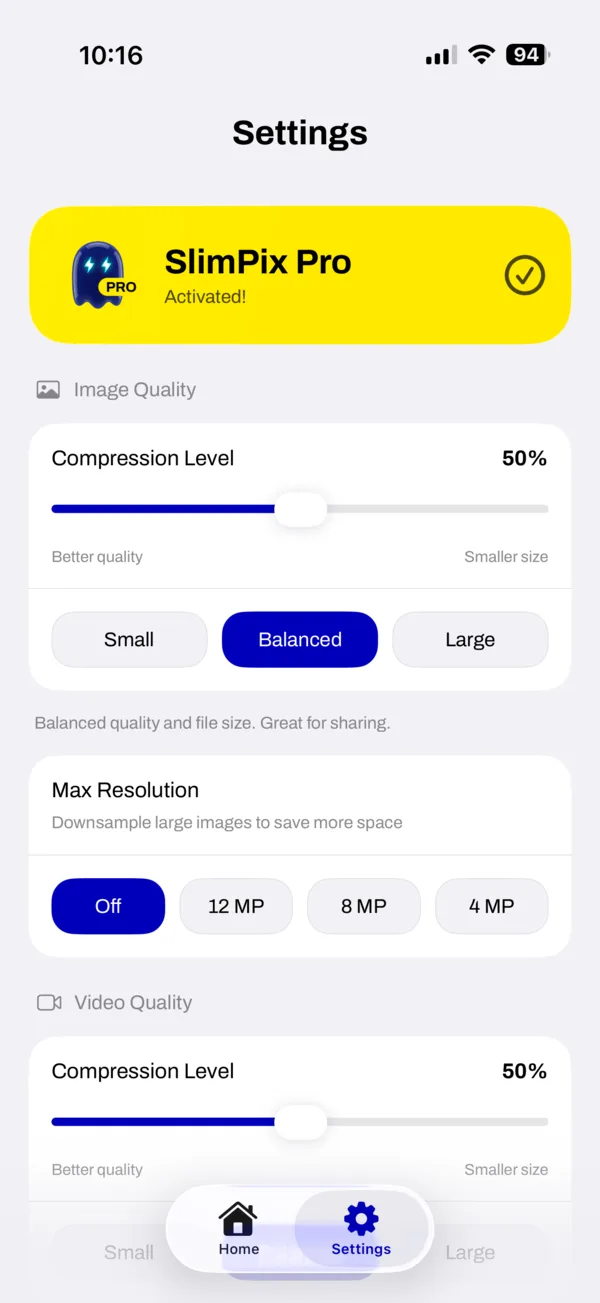
A short 4K video can use more storage than hundreds of ordinary photos, so sorting by file size usually gives the fastest result. SlimPix's custom picker can show an album, sort by size or date, and hide files it has already optimized. For videos, the biggest savings usually come from lowering the resolution from 4K to 1080p, reducing 60fps footage to 30fps, or using HEVC when compatibility is not a concern. For photos, a Balanced preset is a sensible first test because it keeps more detail than the smallest-file option.
How to compress iPhone photos and videos
- Download SlimPix from the App Store and allow access to the photos and videos you want it to process.
- Open Compress Media, choose the custom picker, and sort the library by file size if you want to reclaim space quickly.
- Select a small test batch first. SlimPix supports batches of up to 500 files, but testing a few representative photos and videos makes the quality choice easier.
- Choose Small, Balanced, or Large, or adjust the quality controls. For a large 4K video, consider the 1080p option and 30fps if the clip does not need the original resolution or frame rate.
- Run the optimization and inspect the before-and-after size and visual comparison. Change the preset if the result is smaller or softer than you want.
- Save the optimized copies. Confirm that they appear correctly in Photos before removing originals from Recently Deleted.
What happens to formats and photo metadata
SlimPix works with HEIC, JPEG, PNG, and WebP photos plus common MOV and MP4 videos. You can keep the original photo format or choose a smaller output where the platform supports it. Creation dates and color profiles are preserved during the normal workflow. EXIF details, camera information, and GPS location can also be kept, or you can enable metadata removal when the optimized copy will be shared publicly. Check this setting before a large batch because the privacy choice applies to the output files.
Compression and cleanup solve different storage problems
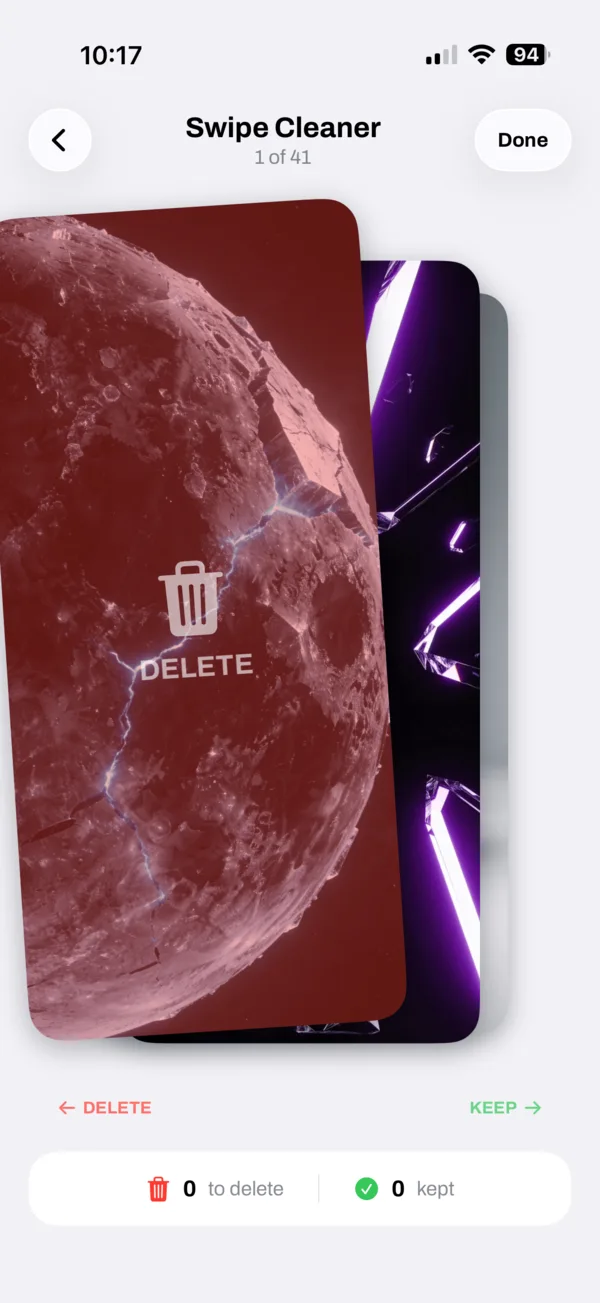
Compression keeps a photo or video while reducing its file size. Cleanup removes files you no longer need. SlimPix separates those jobs so you remain in control: Find Duplicates groups exact and similar photos, Remove Clutter surfaces screenshots, screen recordings, bursts, blurry shots, and large files, while Swipe Cleaner presents one photo at a time. A useful order is to remove obvious duplicates first, then compress the large videos and photos you want to keep. That prevents spending time optimizing media you were going to delete anyway.
Free limits and SlimPix Pro
The free version currently allows 200 photo compressions and 20 video compressions per day, plus 100 Swipe Cleaner deletions and daily allowances for clutter, burst, and format-conversion tools. Finding duplicates, screenshots, and large files is unlimited. SlimPix Pro removes the daily limits. Limits can change as the product develops, so the current values shown inside the app are the final reference.
Tip: Run the first batch on files you can easily compare. Keep the originals until you have opened several optimized photos and played the full length of an optimized video.
Your media stays on the device during processing
SlimPix performs compression, duplicate analysis, and cleanup analysis on the iPhone or iPad. It does not send the selected photo or video library to a remote compression server. That removes an upload step and keeps private media on the device, although normal App Store services such as purchases and app updates can still require a network connection.