Cook hands-free with voice commands in Vule
Vule's cooking mode lets you navigate recipes with voice commands. Say 'Next,' 'Previous,' or 'Timer' — no touching the screen with messy hands.
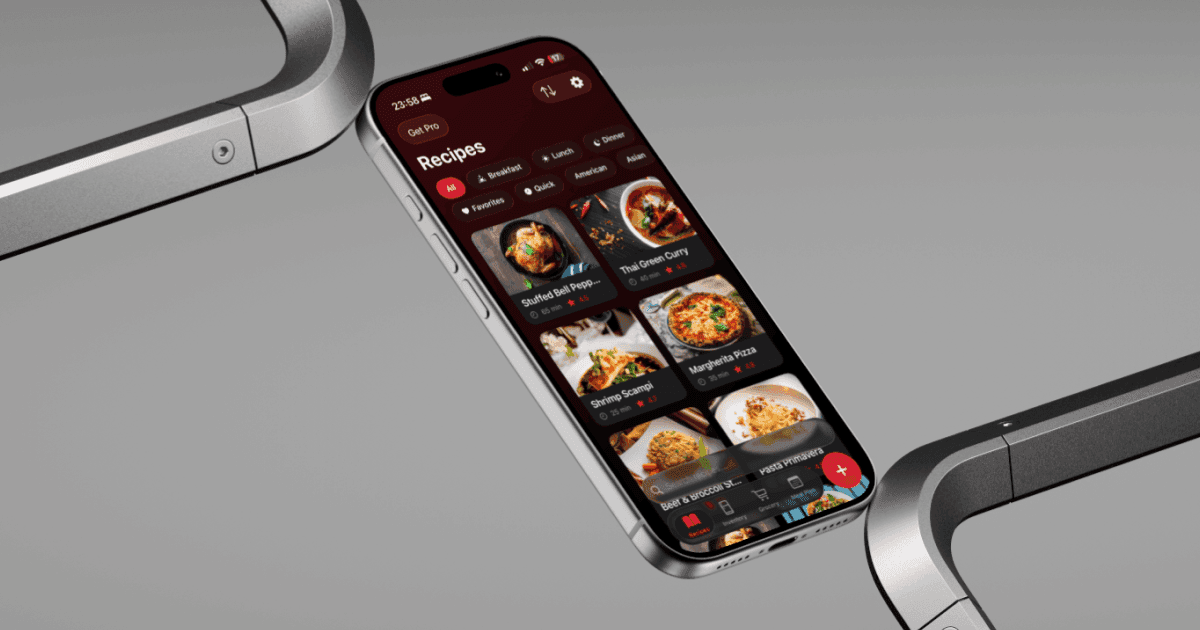
Following a recipe on your phone while cooking usually means constantly wiping your hands to tap the screen. Vule has a dedicated cooking mode that solves this — large text, built-in timers, and voice commands so you never need to touch your phone.
When you start cooking a recipe, Vule switches to a full-screen step-by-step view. Each instruction is displayed in large, easy-to-read text. If a step has a timer (like 'simmer for 5 minutes'), a timer button appears right there — tap it or say 'Timer' to start it.
The voice commands are simple:
- Say 'Next' to move to the next step.
- Say 'Previous' to go back to the previous step.
- Say 'Timer' to start the timer for the current step.
- Swipe up on the screen to see the full ingredient list at any time.
- The screen stays awake during cooking mode so your recipe is always visible.
Cooking mode also shows your progress — which step you're on, how many steps remain, and any running timers. If a recipe serves 4 and you need 2, adjust the servings before starting and all ingredient quantities update automatically.
Tip: Prop your phone up against something in the kitchen before starting cooking mode. The large text in Vule is designed to be readable from a distance so you can keep cooking without leaning in.