Import Recipes from TikTok, YouTube & Instagram with Vule
Save recipes from TikTok, YouTube, or Instagram videos. Vule extracts ingredients, steps, and nutrition automatically from a shared link.
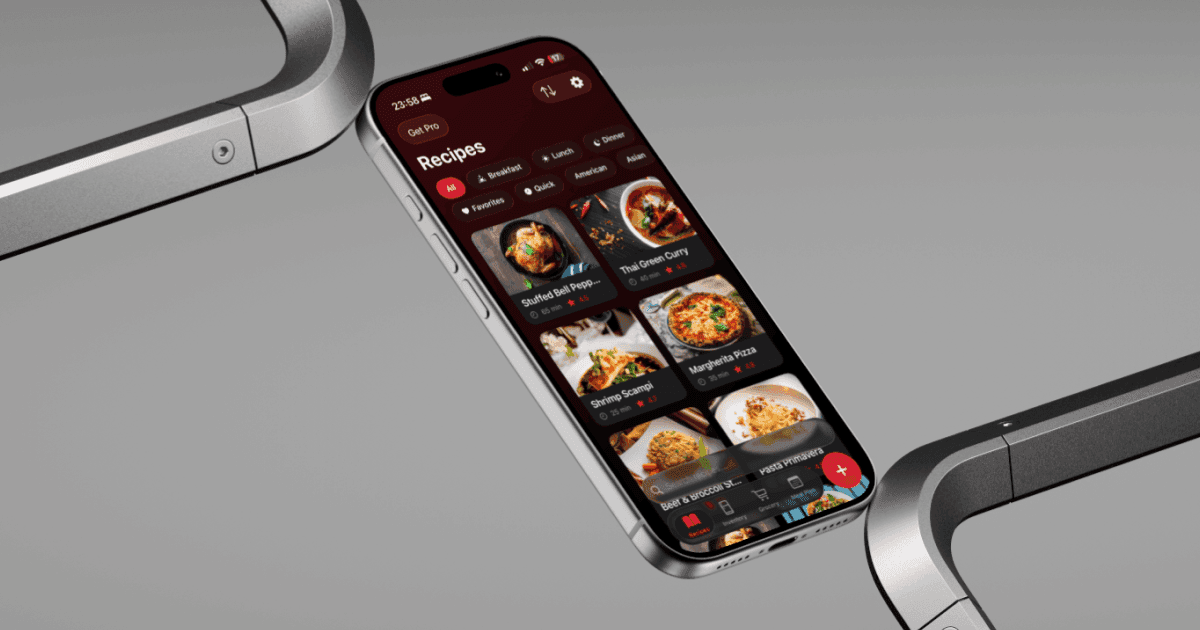
You see a great recipe on TikTok. You save it, and two weeks later it's buried under hundreds of other saved videos. Sound familiar? Vule fixes this by turning any video link into a structured, searchable recipe you can actually cook from.
Paste a link from TikTok, YouTube, or Instagram into Vule and the app extracts the full recipe automatically. That means ingredients with quantities, step-by-step cooking instructions, prep and cook times, and estimated nutrition info — all pulled from the video transcript using AI.
Here's how it works:
- Open Vule and tap the '+' button to add a new recipe.
- Select 'From URL' at the top of the Add Recipe screen.
- Paste your TikTok, YouTube, or Instagram video link.
- Vule detects the video source and shows a preview — tap 'Extract Recipe.'
- In a few seconds, the full recipe appears — ingredients, steps, nutrition, and all.
- Review, edit if needed, and save it to your recipe collection.
This also works with recipe websites. Paste a link from any cooking blog or recipe site and Vule will extract the recipe the same way. No more scrolling through life stories to find the ingredients.
Tip: Recipe import from links is a Vule Pro feature. Free users can add unlimited recipes manually or use AI to generate recipes from a description.
Once imported, your recipe is fully editable and works with all of Vule's other features — add it to your meal plan, generate a grocery list, start cooking in hands-free mode, or share it with friends.