How to track calories and macros with Vule's meal plan
Vule automatically calculates calories, protein, carbs, and fat for every recipe and daily meal plan. Set goals and track your nutrition without a separate app.
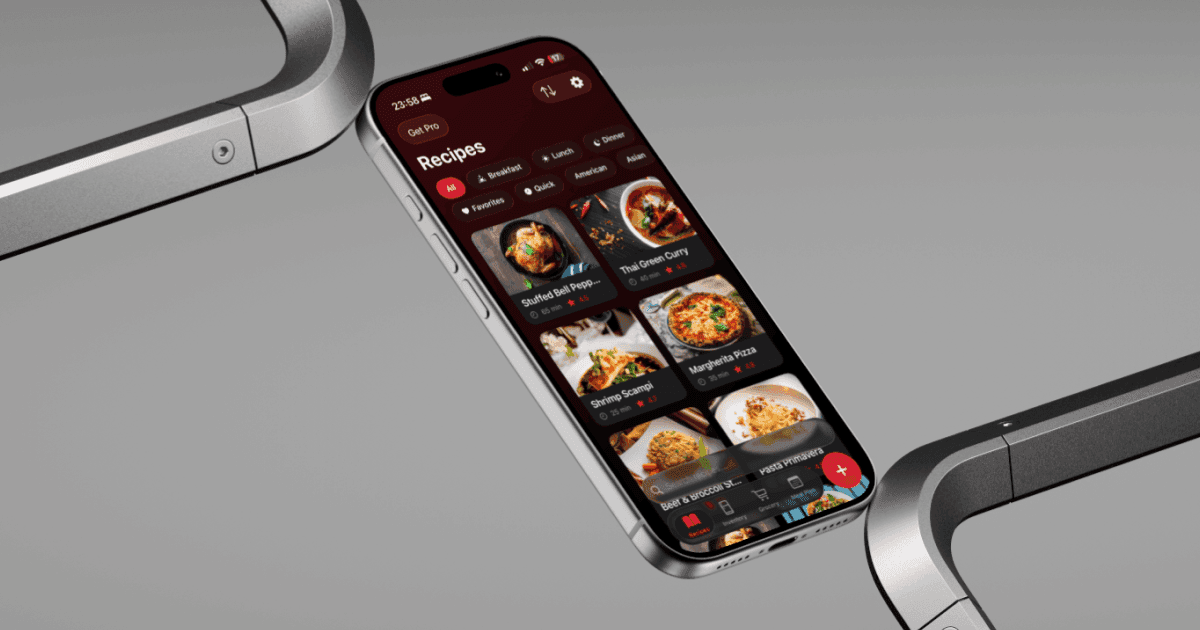
Most recipe apps show you what to cook. Most nutrition apps show you what you ate. Vule connects both — every recipe has automatic nutrition info, and your meal plan shows a daily breakdown of calories and macros so you can plan ahead instead of tracking after the fact.
Every recipe in Vule — whether imported from a link, created manually, or generated by AI — includes estimated nutrition data per serving: calories, protein, carbs, fat, and fiber. When you add recipes to your meal plan, Vule totals everything up for each day.
Here's how to set it up:
- Go to Settings and set your daily calorie target.
- Set your macro goals — protein, carbs, and fat in grams or percentages.
- Add recipes to your weekly meal plan (or use AI Autofill).
- Each day in the meal plan shows a calorie total and macro breakdown at the bottom.
- Tap any day to see a detailed nutrition summary with a visual bar chart.
- If a day is over or under your goals, swap meals until the numbers work.
This approach is different from traditional calorie tracking. Instead of logging every bite after you eat it, you plan ahead with meals that already fit your targets. It's proactive nutrition management — less tedious, more effective.
Tip: When you use AI Autofill, Vule tries to match your macro targets across the entire week — not just per meal. This means the overall balance is optimized even if individual meals vary.