Step-by-Step Guide
How to Use Lena on Apex Launcher
Lena works with Apex Launcher. Install the pack, open the launcher's icon settings, and select your preferred Lena variant.
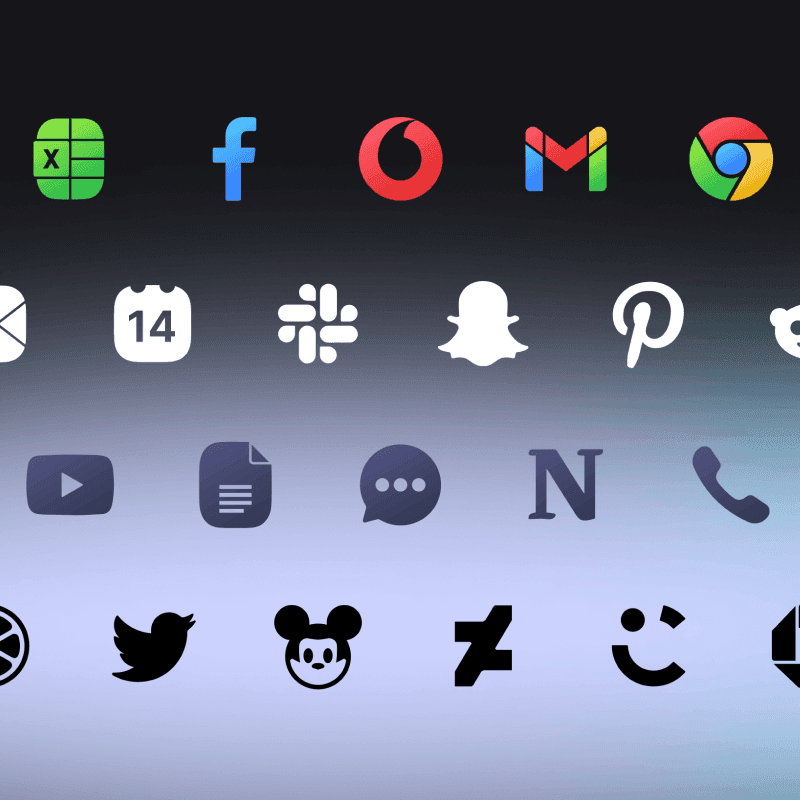
About this icon pack
Minimal. Bold. Timeless.
Shapeless icon pack for your Android device or iPhone. Choose between four variants, colorful, white, dark, and black.
- Minimal shapeless design
- 6000+ icons
- Matching KWGT widgets
- Matching wallpapers
- Regular updates
- Icon request support
Available variants: Lena, Lena Dark, Lena White, Lena Black.
Install Apex Launcher
Download Apex Launcher and set it as your default launcher.
Open Apex Settings
Long-press on the home screen and tap 'Apex Settings'.
Go to Theme Settings
Navigate to 'Theme' in the settings.
Select Icon Pack
Tap 'Icon Theme' and choose your One4Studio icon pack.
Frequently Asked Questions
Does Apex Launcher support Lena icon pack?▼
Yes! Apex Launcher fully supports Lena and other third-party icon packs. Simply follow the steps in this guide to apply your icons.
Is Lena free to use?▼
Lena is a premium icon pack available on the Google Play Store. It includes 4 variants, matching KWGT widgets, and regular updates with new icons.
What if my app icons aren't themed?▼
Not all apps have themed icons. You can request missing icons through the app - open Lena, go to the Request section, select the apps you want themed, and send the request.
Can I use Lena on iOS?▼
Yes! Lena is available for iOS devices. You can purchase the icon pack from our Gumroad store and use Shortcuts to apply icons.