Ares icon packs for Android & iPhone
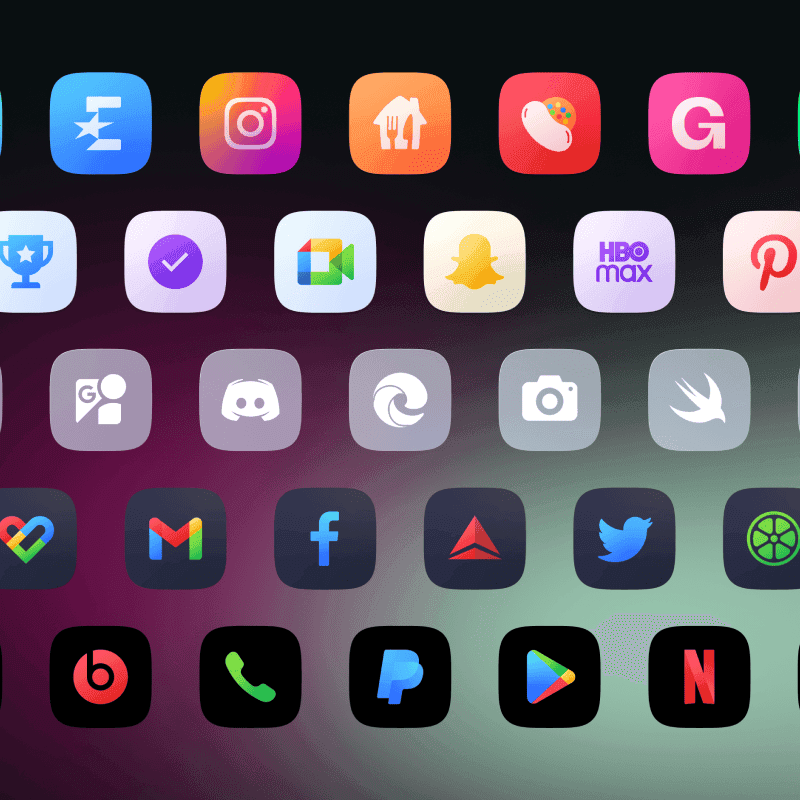
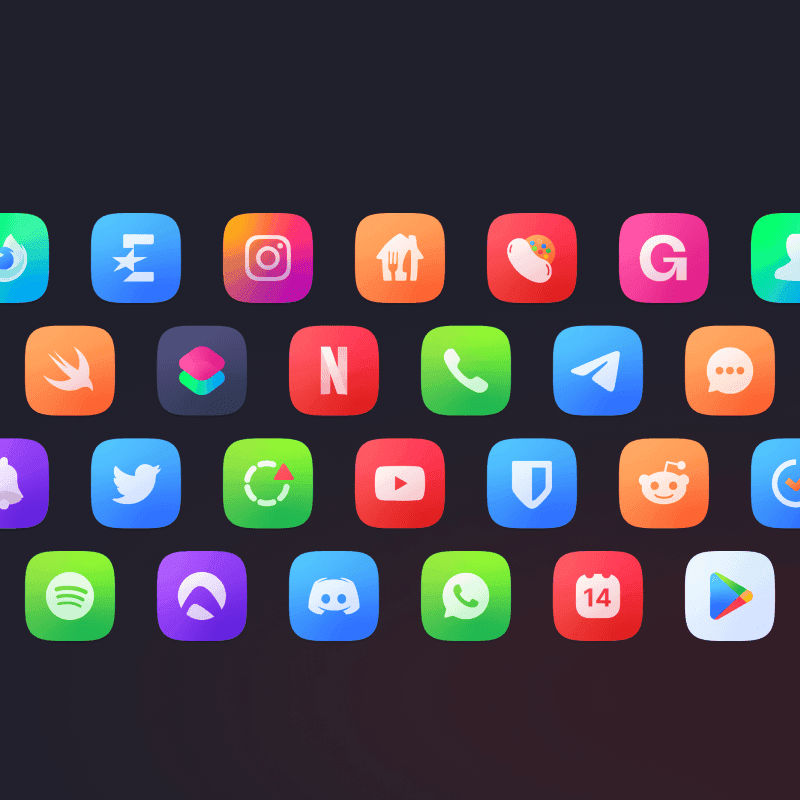
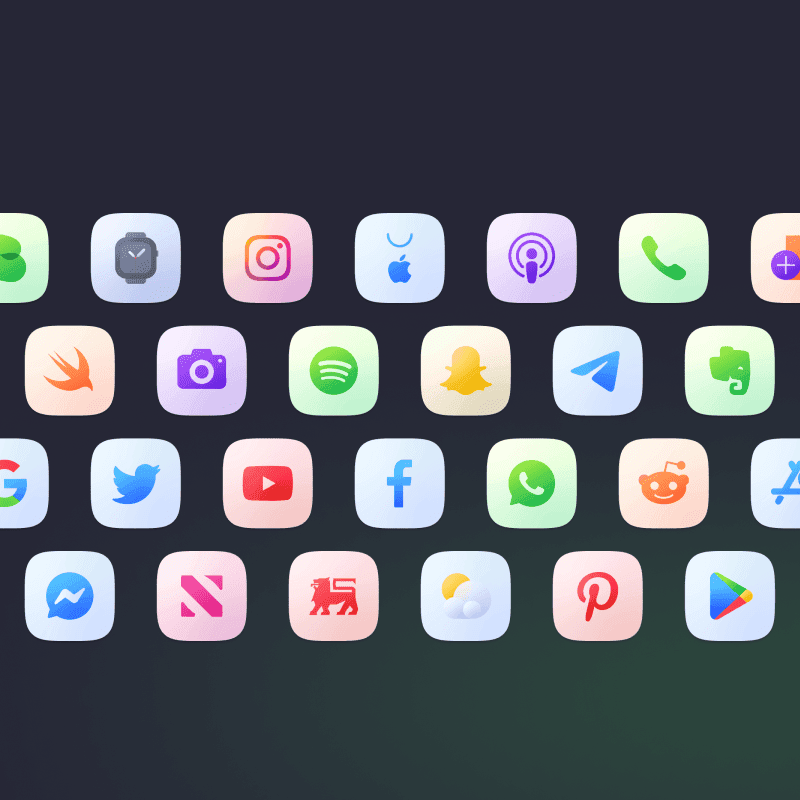
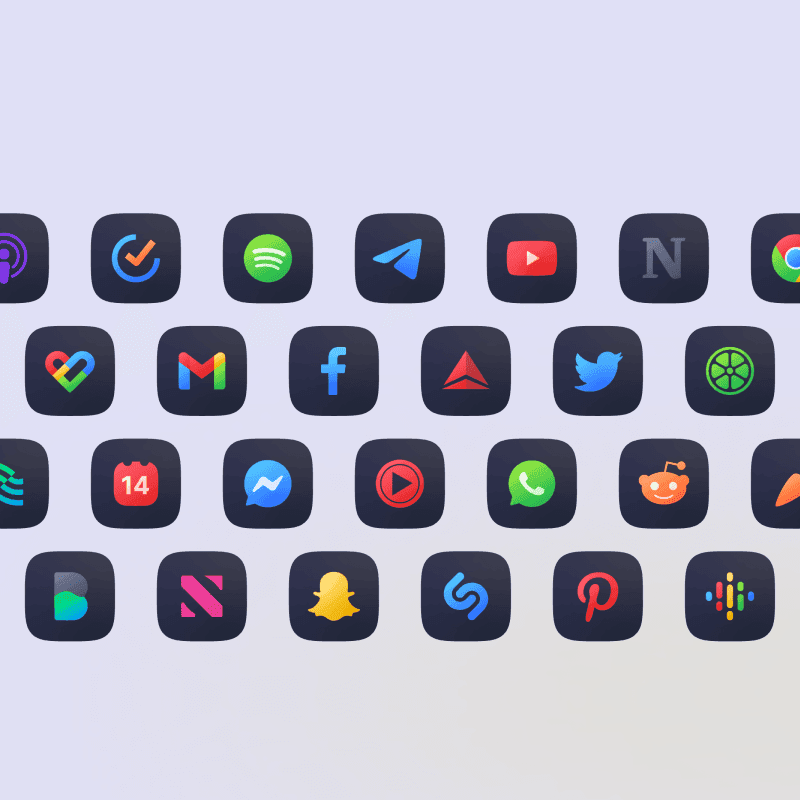
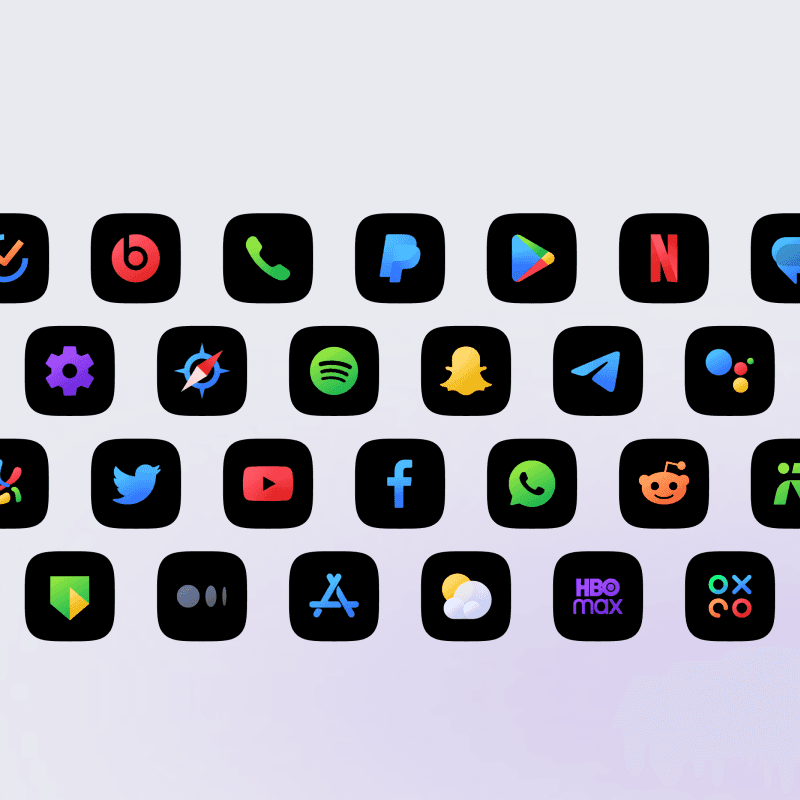
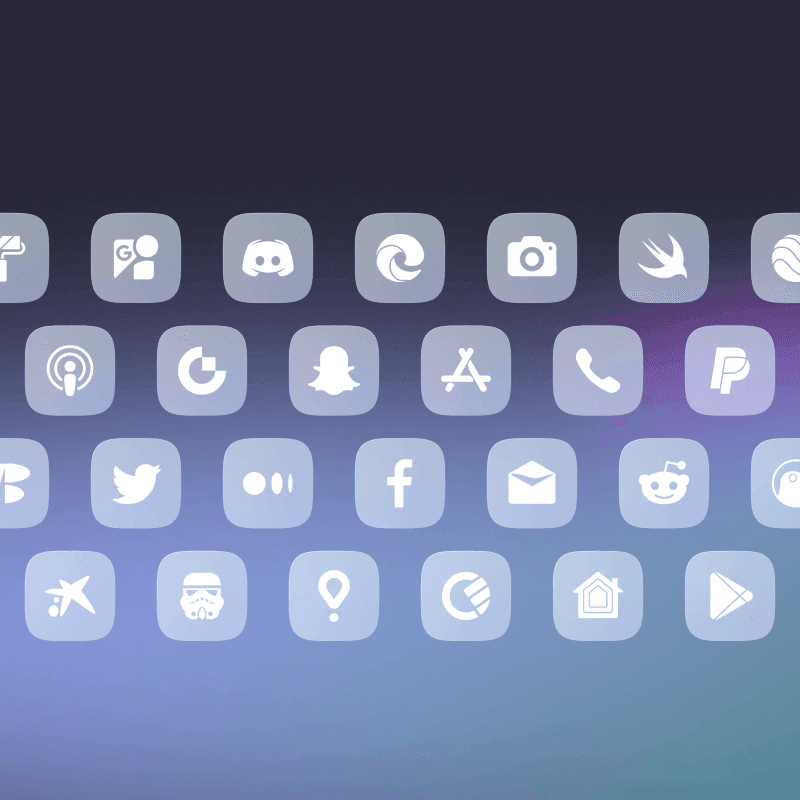
A beautiful bundle of 5 high-quality icon packs. Regular (colorful), Light, Arctic, Dark, and Black.
Choose the pack for your platform
Android versions are apps from Google Play and need a launcher that supports icon packs. iPhone versions sold on Gumroad or Lemon Squeezy are downloadable icon files, applied with Shortcuts. Wallpaper and widget inclusions vary by version; check the linked product listing.
What's Included
Everything you need to personalize your phone.
Squircle shape design
5500+ icons
5 color variants
Matching KWGT widgets
Matching wallpapers
Regular updates
Compare Ares
Setup Ideas with Ares
Curated home screen setups featuring Ares.
Looking for different icons?
Frequently Asked Questions
Why do I need a custom icon pack?
Using a custom Android icon pack can enhance the look and feel of your device. You can use icon packs to replace the default icons on your home screen and app drawer with ones more appropriate for your style or preferences. Using a custom icon pack can also help to unify your device's overall look and design, making it appear more cohesive and polished.
What do I get from your packs?
All of our icon packs contain a lot of icons, wallpapers and KWGT widgets, so you get everything you need to personalize your phone how you like it. For the price of one app, you get content from three different apps.
What if I don't like the purchased app?
Don't worry; we offer a full refund within the first 7 (seven!) days of purchasing our pack. No questions asked! But, if you're willing to wait a little longer, we update our app every week or two, so many more apps, including those you might have missed, will be covered in the future.
What launchers are supported?
Keep in mind that some default launchers don't support custom icon packs. We suggest you use a custom launcher. Supported launchers include: Nova Launcher, Lawnchair, Niagara Launcher, Smart Launcher, Action Launcher, Apex Launcher, and many more.
How to send an icon request?
Open our app and click on the Request card. Check all icons you want to be themed (up to 10 apps with Free request) and send requests by pressing the Floating Send button. You will get a share screen with options on how to share requests.
What is a Premium request?
If you purchase a Premium request, your requested icons will have priority over regular, free requests, and we will create your icons first. Your icons will be available in the next or second next update.
Ready to personalize?
Download Ares now and transform your device.


