ONE4PAPER · ANDROID & iOS
Contact usYour feeds.
Your daily paper.
One4Paper turns the RSS feeds you choose into a daily newspaper. Open the paper, swipe a page and settle into the stories that matter to you.
Preparing for launch
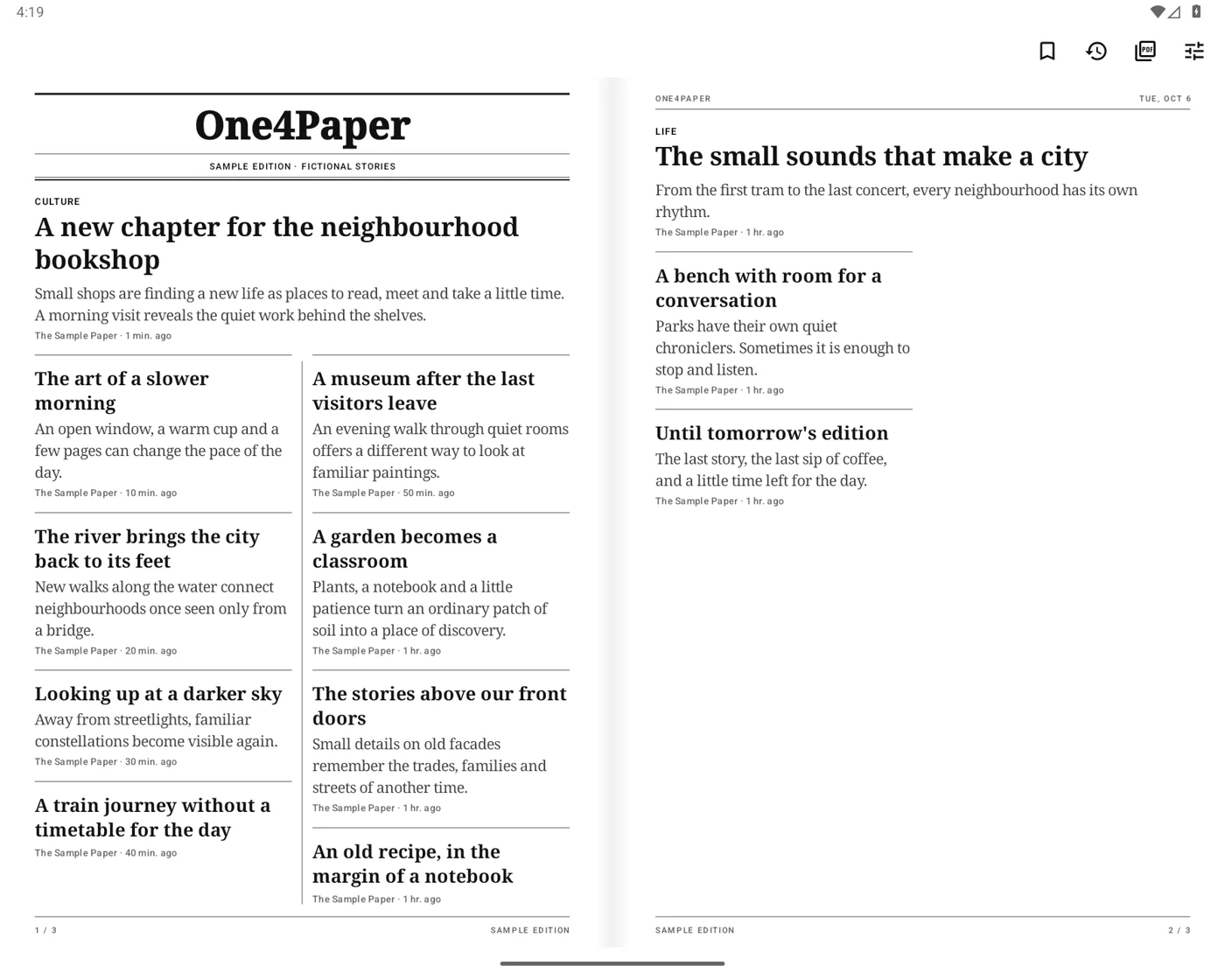
A paper, every day
A finite daily edition with clear headlines, short excerpts and sections. Choose your own RSS feeds or start with regional suggestions.
Made for reading
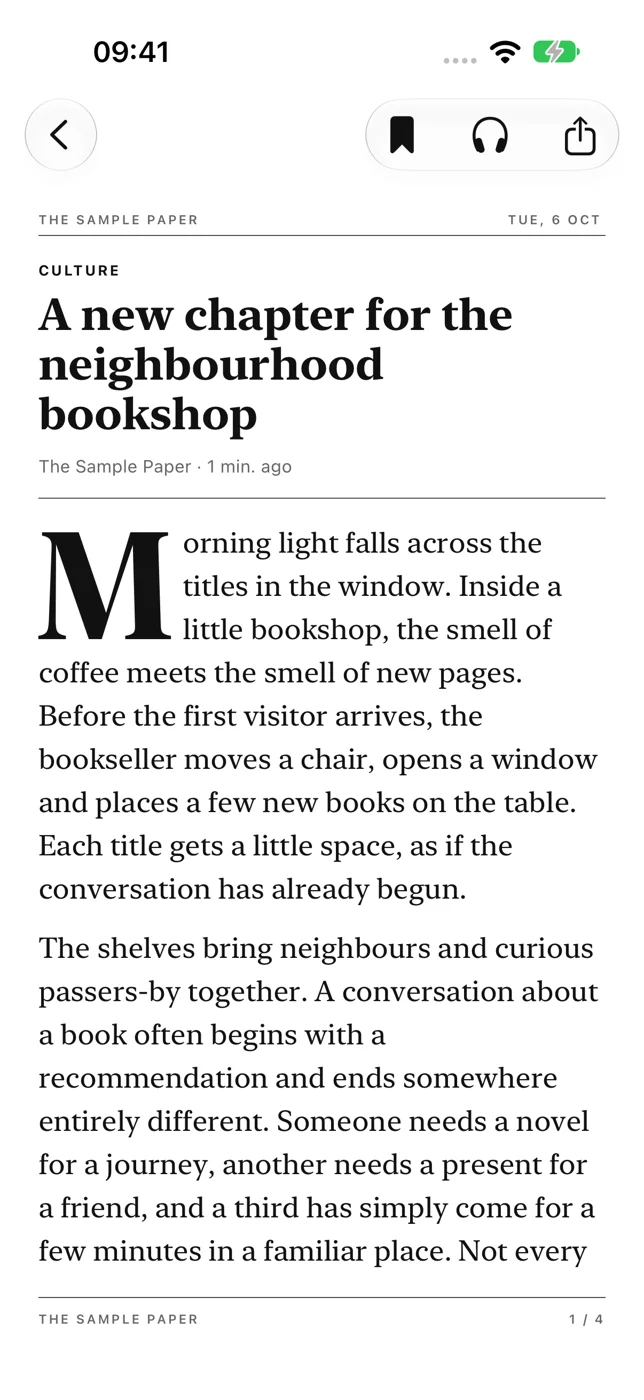
Swipe to turn pages. Open a story for a paginated reading view. Read downloaded articles offline, and keep the ones you want to return to.
Room to unfold
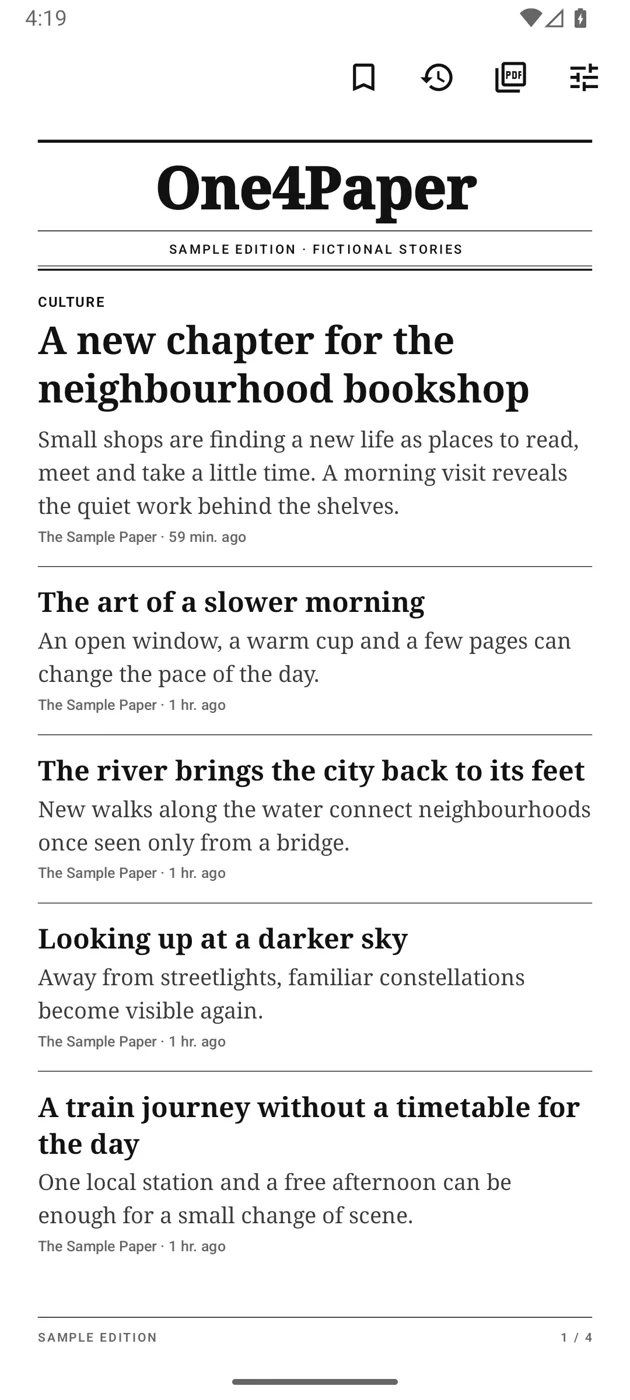
A single page on your phone. A newspaper spread on larger screens, with native layouts for foldables and tablets.
The daily paper stays free.
Optional One4Paper Pro access adds typefaces, newsprint and colour photos, multiple papers, an evening edition, a daily quiz, reading aloud, supported on-device translation, PDF export and a searchable month of editions. iOS offers annual and lifetime options where available; Android offers lifetime access. Eligible iOS customers can try the annual plan for seven days, after which it renews at the annual price shown unless canceled. Lifetime is a single payment. Store prices and renewal terms are localized and shown before confirmation.
Support and reading access
One4Paper is a reader for sources you choose. Publishers own their content. Available article text depends on the feed and your access. On iOS, recommended feeds are restricted to reviewed Global Voices text licensed under CC BY 3.0, with author and source attribution. Images requiring separate rights are omitted, and unreviewed public article pages are not scraped. Publisher subscriptions and paywalls remain in place. Need help with a feed or a Pro purchase? Email support.one4studio@gmail.com.
Android translation uses Google Translate through ML Kit. Machine translations can contain errors; check the original for important information. Read about Google Translate and its translation disclaimer. iOS translation uses Apple’s supported on-device languages.